 By Alex
 OpenAI Is Shutting Down Atlas. The Browser Is Becoming a Feature.
OpenAI is retiring its standalone Atlas browser while moving agentic browsing into ChatGPT’s desktop app and Chrome—an important shift in how AI competes for web workflows.
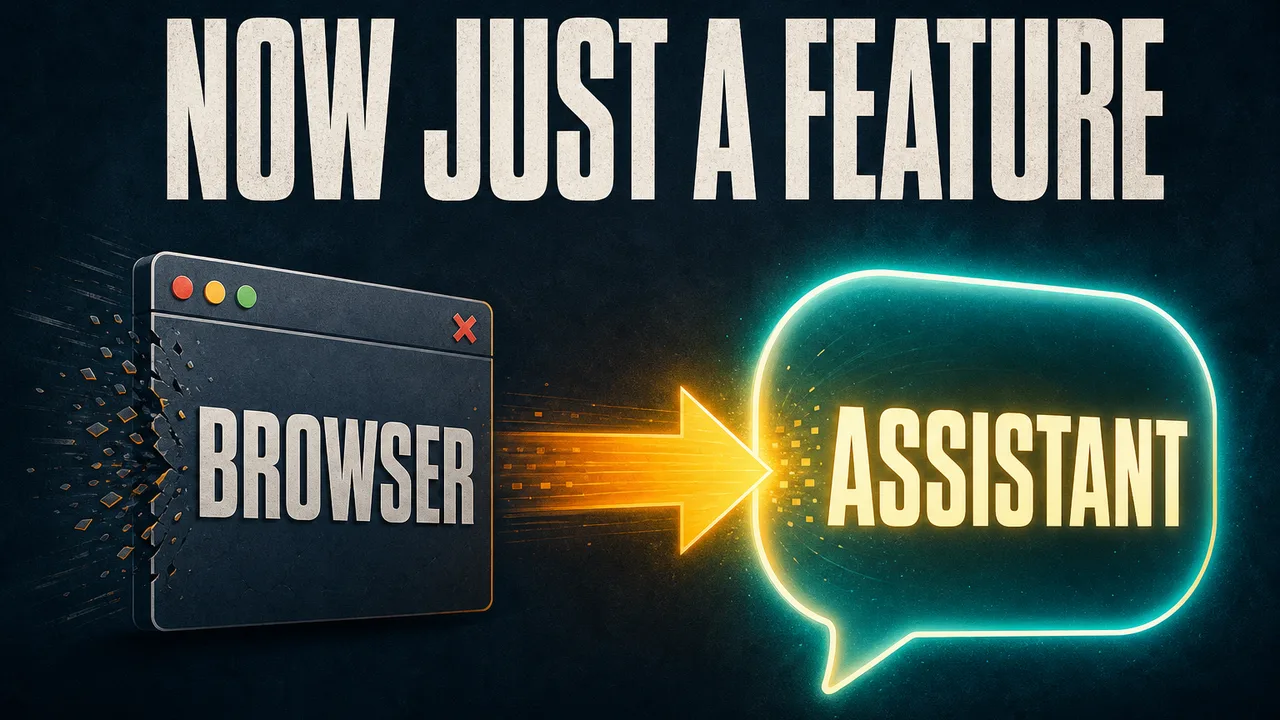
OpenAI is shutting down ChatGPT Atlas, its standalone AI browser, less than a year after launch—but the decision is not a retreat from browser agents. OpenAI is moving Atlas’s most useful capabilities into ChatGPT’s desktop app and a Chrome extension, turning the browser from a destination into a layer inside a larger AI workspace.
Definition: ChatGPT Atlas was OpenAI’s standalone browser with ChatGPT built into the browsing experience.
Example: Instead of asking users to switch browsers, OpenAI can now let ChatGPT read a Chrome page, summarize it, or carry its context into a longer task.
Key takeaway: OpenAI is consolidating the browser product while expanding the browser capability.
Business impact: AI assistants may compete less over which browser people install and more over which assistant can work across the browser, desktop, files, and business tools.
What is OpenAI changing with Atlas?
OpenAI is sunsetting Atlas and redistributing its agentic browsing features across ChatGPT’s existing surfaces, according to TechCrunch’s report. The timing matters: Atlas launched in October 2025, while the new ChatGPT desktop app is designed to combine ChatGPT Work, Codex, local files, connected applications, and web access in one place.
The immediate change is therefore product consolidation. Users who adopted Atlas as a dedicated browser will lose that standalone destination, but the underlying workflow—an AI system reading pages, navigating sites, and completing multi-step actions—continues in a different container.
Why is OpenAI moving browsing into ChatGPT?
OpenAI appears to have concluded that a separate browser creates unnecessary switching costs when ChatGPT can meet users inside Chrome and the desktop app. The company’s July 9 announcement presents ChatGPT Work as an agent that can stay with a project, use connected apps and files, and produce finished materials; the browser becomes one of the environments that agent can use. More on this: OpenAI Takes ChatGPT Ads Global, Expanding Across Europe and Asia. More on this: ChatGPT free users get unlimited text chats next week. Related reading: ChatGPT Computer History turns Mac activity into memory. Related reading: ChatGPT adoption: From answers to action worldwide.
That model is closer to an AI agent than a conventional chatbot. An AI agent plans and executes a goal across tools, while a chatbot generally stops at a text response. For a practical explanation of that distinction, see what an AI agent actually does.
What will the ChatGPT Chrome extension do?
The Chrome extension brings ChatGPT into the browser users already have. It can access the context of the current page, answer questions about that page, summarize content, and start longer tasks without requiring a full browser migration. OpenAI’s product executive James Sun described the move as bringing ChatGPT and Codex into the browser where people already work.
This places OpenAI directly beside Google’s Gemini Side Panel rather than forcing users into a new browsing habit. The strategic question changes from “Will people switch to an AI browser?” to “Which assistant will users trust with the context of the tabs they already have open?”
What can the new ChatGPT desktop app do?
The desktop app adds a more capable built-in browser for web-based work. OpenAI says ChatGPT can browse sites, log into accounts, download files, and interact with web pages, while a separate cloud browser can run remotely so agents can complete tasks on a user’s behalf.
That creates a three-part workflow: Chrome supplies ambient page context, the desktop app provides a controlled workspace, and the cloud browser handles longer-running agent actions. The arrangement is more flexible than a single standalone browser, but it also makes permissions, account access, and human approval more important operational questions.
How does Atlas fit into the 2026 browser race?
The browser market has become a testing ground for agentic AI. Perplexity launched Comet, The Browser Company launched Dia, and Google and Microsoft added AI features to Chrome and Edge. OpenAI’s Atlas experiment now suggests that owning a separate browser is not the only way to own the browser workflow. Background: Cloudflare Kitesurf cuts browser memory by up to 7x.
OpenAI’s choice favors distribution over destination control. Chrome remains the place where many users work, while ChatGPT becomes the assistant that can interpret the page, coordinate tools, and continue the task elsewhere. That may be a stronger route to adoption than asking users to rebuild their browsing habits around a new product.
What should businesses watch next?
The next signal is not how many people install Atlas; it is how often ChatGPT can complete useful browser tasks safely across existing workflows. Businesses should watch four things: the reliability of page understanding, the boundaries around logged-in actions, the quality of confirmation and audit trails, and whether users can move smoothly between browser context and internal tools.
OpenAI’s Atlas shutdown is best read as a change in product architecture, not a change in ambition. The standalone browser is going away, but browsing is becoming more deeply integrated into the agent that OpenAI wants ChatGPT to become.
Frequently asked questions
Why is OpenAI shutting down ChatGPT Atlas?
OpenAI is retiring Atlas as it consolidates its browser and agent capabilities inside the ChatGPT desktop app and a Chrome extension. The company has not framed the move as abandoning AI-assisted browsing; instead, it is shifting from a standalone browser product to a capability embedded in the tools people already use.
When will ChatGPT Atlas be discontinued?
OpenAI product executive James Sun said the targeted deprecation date is August 9, 2026, with more information to be shared in the app and by email. Users should treat that date as the current target rather than a guaranteed final schedule until OpenAI publishes further details.
What replaces Atlas?
Atlas’s role is being split across several surfaces: a ChatGPT Chrome extension for page context and web tasks, a ChatGPT desktop app with a built-in browser, and a remote cloud browser where agents can complete tasks on a user’s behalf. The new ChatGPT desktop app also brings ChatGPT Work and Codex together.
Is OpenAI giving up on AI browsers?
No. OpenAI is giving up on a separate browser destination, not on agentic browsing. Its new approach puts browsing inside ChatGPT, Chrome, and a broader work environment so users can bring web context into longer-running tasks without changing their primary browser.
Alex
Founder & Lead AI Writer
Alex is the founder of Yowox and lead AI writer since 2024, breaking down complex information into clear, actionable insights for thousands of readers every day. Alex has built AI automation systems for businesses since 2024, focusing on AI agents, workflow automation, and business process optimization.
Save hours. Save thousands.
Practical guides, real workflows, and the latest AI and automation news that matters — straight to your inbox.


