 By Alex
 Meta is making its AI chatbot more like an assistant.
Meta AI is moving beyond answers and image generation with calendar-aware briefings, recurring tasks, web research, plans and slide creation. The update shows Meta turning its chatbot into a supervised productivity layer.
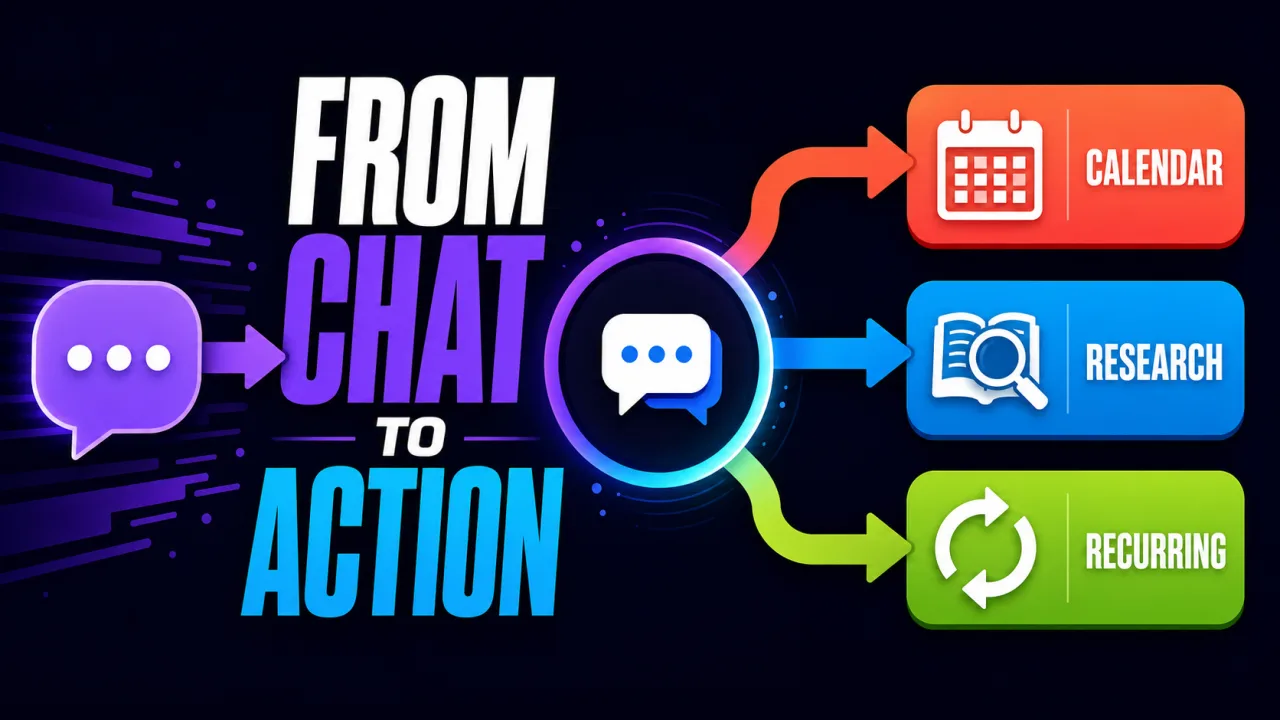
Definition: Meta AI is becoming a context-aware assistant that can plan tasks, use connected apps, research topics and continue scheduled work instead of only answering a prompt.
Example: Tell Meta AI you are planning a dinner, and Meta says it can find restaurants, check your calendar and suggest a night that works.
Key takeaway: The update moves Meta AI from response generation toward supervised follow-through.
Business impact: The important product question is no longer only answer quality; it is which recurring actions users are willing to delegate to a consumer chatbot.
Meta’s announcement gives its AI chatbot a more assistant-like job description. Meta AI can now make plans, connect to email and calendar apps, create slides, conduct deeper research and keep recurring tasks moving without requiring the user to repeat the same instruction.
The Verge reports that the update is powered by Meta’s Muse Spark 1.1 model and is positioned against productivity features from Gemini, ChatGPT and Claude. The launch is a notable change in direction for Meta AI because the product is no longer framed mainly as a place to ask questions, generate images or draft documents. Meta is trying to make it useful between prompts. Background: Meta made its own AI detection system. It should have just used Google’s.
That distinction matters. A chatbot answers when asked. An assistant is valuable because it remembers the goal, keeps track of context, prepares the next step and returns at the right time. Meta is now building those behaviors into a consumer-facing product, while still rolling them out gradually and with platform limits.
What did Meta add to its AI chatbot?
Meta says the updated Meta AI can handle four connected forms of work:
| Capability | What Meta says it can do | Why it matters |
|---|---|---|
| Planning | Turn a goal into a plan and follow the next steps | Moves from advice toward execution |
| Connected context | Use email and calendar information | Makes recommendations fit the user’s schedule and commitments |
| Research | Synthesize information from across the web and Meta’s apps | Reduces the manual work of collecting and organizing information |
| Recurring tasks | Deliver briefings, meal plans, alerts or updates on a schedule | Creates value after the initial conversation ends |
| Creation | Turn research into slides, plans or mood boards | Converts information into a reusable artifact |
The product also lets users steer a report, presentation or plan while Meta AI is still working. Meta says users can change the focus, tone or sections in real time rather than waiting for the entire response to finish.
This is a different interaction model from a single long prompt. The user supplies direction, Meta AI creates a working plan, and the user can intervene as the result takes shape.
Why calendar access changes the assistant experience
Calendar access is one of the clearest signs that Meta AI is moving from generic chat toward contextual assistance. Meta says the chatbot can check a user’s availability when planning a dinner, identify double bookings or changed plans in a daily briefing, and adjust a training schedule around the user’s time.
That creates a more useful answer than “here is a generic plan.” It also creates a more sensitive product boundary. A calendar contains personal routines, commitments and relationships. The assistant has to know enough context to help, but not so much that every recommendation becomes an invisible data-extraction exercise.
The practical user question is therefore not simply whether Meta AI can access a calendar. It is: what does it read, what does it retain, what does it send to other tools, and how clearly can the user turn that access off? The launch announcement describes the capability, but teams and users still need to inspect the permission experience in the surfaces where the feature appears. Related reading: Gemini task automation expands to 40+ apps, Samsung shows off two more Android XR glasses..
The recurring-task shift is bigger than a better answer
Meta’s most consequential claim may be that users only need to set up a task once. The company gives examples including weekly meal plans, Monday morning training updates, sneaker-drop alerts and regular trend briefings.
That changes the economic shape of a chatbot. A normal chat interaction has value at the moment the answer appears. A recurring assistant can become part of a routine: it monitors a preference, waits for a trigger and produces a useful update without the user opening a new conversation.
The same shift increases the cost of mistakes. A bad one-off answer can be ignored. A bad recurring task can repeatedly deliver irrelevant, late or misleading information. Users need clear schedules, easy pause controls, visible task state and a way to see why an update was generated.
Recurring automation is therefore not just a convenience feature. It is a trust feature. Meta AI has to earn permission to keep acting after the initial setup.
What does Meta AI research do differently?
Meta says the assistant can research a topic by synthesizing information from across the web, research papers, creators and communities on Meta’s apps. It can then turn what it learned into a report, presentation or plan.
This is closer to a research workflow than a normal conversational answer. The expected output is not only a paragraph; it is a structured artifact that helps the user decide or act.
The quality bar changes with that workflow. A useful research assistant needs to preserve source distinctions, show uncertainty, separate evidence from suggestions and avoid turning community discussion into verified fact. Meta’s announcement describes the feature at a product level, not as an independent accuracy evaluation, so users should still check important claims before relying on a generated plan or deck.
The ability to steer research in progress is valuable because it reduces the cost of correction. If the assistant starts broad and the user needs a narrower focus, the user can redirect it instead of discarding the entire output and starting over.
Is this an AI agent now?
Meta AI is becoming more agentic, but the label needs care. An AI agent is usually a system that pursues a goal through tools, state, decisions and an execution loop. Meta’s update adds several of those ingredients: a goal, connected context, planning, recurring state and actions that continue after the original prompt.
That still does not mean the product is an unrestricted autonomous agent. The user initiates the task, chooses what to connect, can steer the result and remains responsible for consequential decisions. The release is better described as supervised agentic assistance than as a fully independent digital employee.
This is the right product direction for a consumer chatbot. Most people do not want an opaque system making unlimited changes across their accounts. They want an assistant that can remove routine work while making its plan, permissions and next action understandable.
What role does Muse Spark 1.1 play?
The Verge identifies Meta’s newly released Muse Spark 1.1 model as the engine behind these capabilities. Meta’s own announcement says the model is built to plan, work with apps and follow through from start to finish.
The model matters because the assistant behavior depends on more than text quality. Meta AI needs to maintain a plan, use context from connected services, generate useful artifacts, respond to mid-task direction and complete a recurring task without losing the original goal.
That is also why a model release and a product release should not be evaluated in isolation. The user experience depends on the surrounding orchestration: permissions, scheduling, retrieval, tool calls, storage, notifications and the ability to interrupt or revise the work.
Meta’s previous Muse Spark 1.1 launch focused more directly on the model and developer-facing agentic capabilities. This update shows how Meta is packaging those capabilities for an everyday assistant experience.
What can users ask Meta AI to do?
Meta’s examples describe several practical workflows:
- plan a kitchen renovation and find Marketplace items that match a budget;
- build a half-marathon schedule around the user’s availability;
- find restaurants for a birthday dinner and check which evening works;
- create a daily briefing from calendar events and relevant updates;
- generate a weekly meal plan;
- monitor a product category for restocks;
- research a topic and turn the result into slides;
- adjust the focus or tone of a report while it is being created.
The common pattern is goal → context → plan → artifact or recurring update. Meta AI is trying to own the full chain rather than only the first response.
That makes the product more useful when the user has a concrete outcome. “Tell me about training for a race” produces information. “Build a training schedule around my calendar and send me the next week every Monday” creates an ongoing service.
What is still limited or uncertain?
The most important limitation is availability. Meta says the features are starting to roll out in select markets in the Meta AI app and on meta.ai. The company says more countries and additional surfaces, including WhatsApp, will follow in the coming weeks. More on this: Meta is using AI to ship more standalone apps. See also Meta AI Mac app adds screen context and dictation. More on this: Meta AI Links Small-Business Data to Daily Work.
That means the launch should not be read as a universal Meta AI capability available to every user immediately. Product behavior may differ by country, account, platform, connected app and rollout stage.
The announcement also does not provide an independent evaluation of how reliably Meta AI completes these workflows, how often it makes scheduling mistakes, or how recurring tasks behave when information changes. Those are the measurements that will determine whether the assistant is genuinely useful or merely more elaborate in demos.
Meta says the user’s created outputs—from training schedules to slide decks and mood boards—live in one place for revisiting, building on and sharing. That makes organization and retention part of the product experience, not a minor interface detail.
How should businesses read the update?
For businesses, the update is a signal about where consumer AI products are heading. The differentiator is shifting from “which chatbot writes the best answer?” to “which assistant can maintain a useful relationship with a task?”
That shift creates opportunities for productivity, planning, commerce discovery and lightweight research. It also creates operational questions:
- Which user permissions are required?
- What happens when the calendar or source information is incomplete?
- Can a user pause, edit or delete a recurring task?
- How does the assistant show evidence for a research summary?
- What actions require confirmation before they affect another person?
- How are mistakes reported and corrected?
A company building its own assistant should treat these as product requirements, not post-launch polish. Planning without visibility becomes confusion. Recurring automation without pause controls becomes spam. Connected context without permission clarity becomes a trust problem.
The bigger takeaway
Meta is making its AI chatbot more like an assistant by giving it continuity: it can plan, use calendar and email context, research a topic, create an artifact and return with scheduled updates.
The launch is significant because it moves Meta AI toward follow-through, not because it proves unlimited autonomy. The product still needs clear permissions, visible task state, user steering and careful rollout.
For users, the useful test is simple: does Meta AI save work after the first prompt without creating more review work than it removes? If it can do that reliably, Meta has moved its chatbot into a more valuable category. If not, the new features will remain a collection of impressive demos around a familiar chat interface.
FAQ
Does Meta AI now replace a calendar or task manager?
No. Meta is adding calendar-aware planning, daily briefings and recurring task updates, but it is not announcing that Meta AI replaces a dedicated calendar or task-management system. The assistant is an additional layer that uses connected context to help plan and summarize work.
Can Meta AI keep working after I close the chat?
Meta says users can set up certain tasks once and receive recurring outputs such as meal plans, restock updates or scheduled briefings without re-prompting. The exact behavior depends on the feature’s rollout and the user’s settings.
Can I correct Meta AI while it is researching?
Meta says yes. Users can steer an in-progress report, presentation or plan by changing the focus, tone or sections while Meta AI is working.
Is Meta AI available on WhatsApp now?
Meta says the update is starting in select markets in the Meta AI app and on meta.ai. It says more platforms, including WhatsApp, will receive the features in the coming weeks, so availability should not be assumed everywhere immediately. Related reading: Mark Zuckerberg predicts that billions of people will have personal AI agents in five years.
What is the difference between this and ordinary chatbot use?
Ordinary chatbot use usually ends when the answer appears. The new Meta AI experience is designed to continue through a plan, connected-app lookup, generated artifact or scheduled update. It is a more agentic workflow, but still supervised by the user rather than unlimited autonomy.
Frequently asked questions
What changed in Meta AI?
Meta says its AI chatbot can now make plans, connect to email and calendar apps, create slides, conduct deeper web research, provide daily briefings and handle recurring tasks without being reminded each time. The features are rolling out first in select markets in the Meta AI app and on meta.ai.
Can Meta AI use my calendar?
Meta says Meta AI can use calendar context to check availability, identify conflicts and generate daily briefings. The exact availability depends on the rollout, platform and permissions shown in the product. Users should review connected-app permissions before enabling task automation.
What recurring tasks can Meta AI handle?
Meta gives examples such as weekly meal plans, Monday training-plan updates, product-restock alerts and regular briefings. The company says users set up a task once and Meta AI can continue delivering updates without a new prompt each time.
Is Meta AI now a fully autonomous agent?
No. Meta is adding planning, tool connections and recurring execution, but the release is still a supervised consumer assistant with a limited rollout. Users choose the task, timing and connected context, and Meta AI can be redirected while it works.
Where is the Meta AI assistant update available?
Meta says the features are starting to roll out in select markets in the Meta AI app and on meta.ai. More countries and additional surfaces, including WhatsApp, are planned for the coming weeks, but Meta does not describe the launch as globally available on every platform.
Alex
Founder & Lead AI Writer
Alex is the founder of Yowox and lead AI writer since 2024, breaking down complex information into clear, actionable insights for thousands of readers every day. Alex has built AI automation systems for businesses since 2024, focusing on AI agents, workflow automation, and business process optimization.
Save hours. Save thousands.
Practical guides, real workflows, and the latest AI and automation news that matters — straight to your inbox.


