 By Alex
 Google Ads AI tools speed up marketing analysis
Google is adding AI summaries, prompt-built dashboards and benchmarking to Google Ads and Google Analytics, bringing more campaign analysis into the workflow.
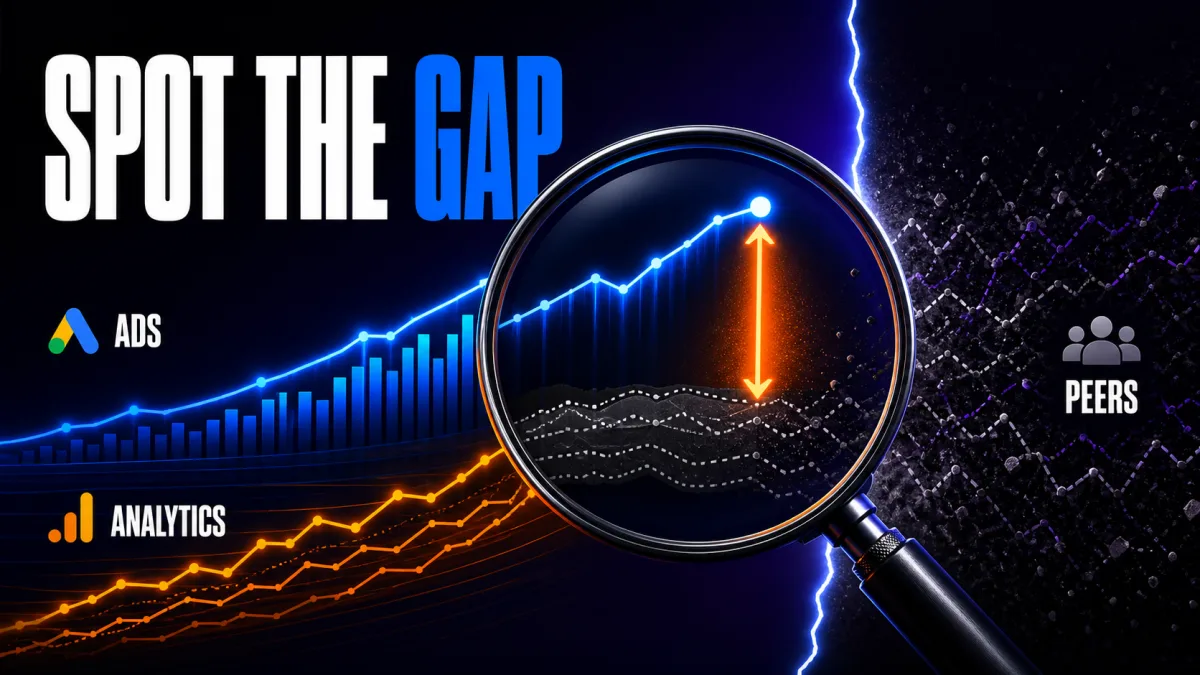
Google is moving more marketing analysis into AI-assisted workflows across Google Ads and Google Analytics. In its August 10, 2026 announcement, Google described AI homepage summaries, prompt-built visual reports and anonymized benchmarking that connect insight discovery with the next action. The practical shift is from opening reports and hunting for changes to starting with a business question, then checking what the platform surfaces. Google's announcement says the features are currently in beta for English-language accounts.
Definition: Google’s new marketing AI tools are agentic analysis features that summarize performance changes, generate visual reports and compare campaign results with similar businesses.
Example: A marketer can start from an Analytics performance card, send its context into Ask Advisor, and then use a prompt to investigate a campaign trend or build a visual report.
Key takeaway: The tools shorten the path from “what changed?” to “what should we investigate next?” but do not remove the need to validate the data.
Business impact: Marketing teams can spend less time assembling routine views and more time deciding whether a detected change deserves a budget, targeting or creative adjustment.
Google Ads and Google Analytics: what changed
Google Ads and Google Analytics now place AI closer to the first screen a marketer sees. Google Analytics adds AI Overviews at the top of its homepage, while Google Ads adds personalized AI-powered insight cards and a prompt box for custom insights. The source names seasonal sales peaks, traffic changes and impression-share questions as examples, so operators can begin with a current business signal instead of a blank report. Related reading: Google AI Targets the Forward-Deployed Bottleneck. Related reading: Google Preferred Sources target AI search traffic losses. See also Google Vids adds Gemini Omni and personal avatars. More on this: Google AI Agents Target Forward-Deployed Engineering Work.
The change is not a promise that Google’s AI will choose a strategy autonomously. Google describes the features as ways to amplify marketer expertise and keep the marketer “firmly in the driver’s seat.” For a business, that means the useful test is whether the summaries expose a relevant change quickly enough to improve the next investigation, not whether an AI card looks comprehensive.
Google Ads and Google Analytics homepage insights
Google Analytics AI Overviews summarize important updates since the user last logged in, including changes in traffic or seasonal sales patterns. That context matters for analyst teams monitoring performance between reporting cycles because the homepage can point to a change before someone builds a fresh comparison. When a data card needs more work, Google says one click carries its context into Ask Advisor, giving the analyst a starting question and the relevant signal together.
Google Ads applies a similar pattern to campaign management by personalizing insight cards to the business and allowing a custom insight prompt above them. Google specifically points to questions about competitor impact on impression share and trends that could improve campaigns. The operator takeaway is to use the prompt to narrow the investigation, then confirm the affected campaigns, dates and measurement definitions before acting.
Google Ads Dashboards: can marketers build visual reports from prompts?
Google Ads Dashboards can transform raw data into visualizations from simple text prompts, and each report generates a real-time summary that explains the “why” behind the data. Google says the same capability is coming soon in Google Analytics. For a marketing team, the value is faster report assembly and a clearer explanation for a campaign discussion; the safe workflow is to inspect the generated view’s filters and source metrics before using it in a budget or performance decision.
Google Ads Dashboards are a reporting change rather than proof that the platform understands every business context. A prompt can describe the question, but the account still determines which campaigns, conversions, audiences and time periods are included. Teams that already use AI agents to connect tools and complete multi-step tasks should recognize the same operational boundary here: an AI interface can accelerate a workflow, while permissions, validation and escalation still determine whether the result is trustworthy.
Google Analytics benchmarking: what does it add?
Google Analytics is adding a benchmarking feature that compares campaign performance with anonymized averages from similar businesses. The comparison gives marketers a reference point for identifying where performance may have room to improve, while Ask Advisor provides a place to investigate the result. The actionable use is directional: treat a benchmark as a signal for a question about channel mix, campaign setup or conversion quality, not as a universal target that every business should match.
Google’s description does not define the peer-selection method, the exact anonymization thresholds or every metric included in the comparison. That uncertainty matters because a benchmark can inform prioritization without explaining causality. A team should pair the comparison with its own goals and measurement history, using ROI measurement practices for AI automation to separate a useful performance change from a coincidental fluctuation.
Ask Advisor in the Google marketing workflow
Ask Advisor is the connective layer between an observed marketing signal and a deeper analysis. Google introduced it as an in-product AI agent across its marketing platforms, and the new announcement says a data card can carry its context directly into Ask Advisor. That design reduces the cost of starting an investigation: the marketer can ask a follow-up question from the signal instead of rebuilding the context manually. See also Google Maps turns Ask Maps into an agentic task assistant.
Google also highlights notifications for Analytics AI summaries, with users able to opt into phone or email updates at a frequency that suits them. This makes the workflow more proactive, but it also creates a review requirement: teams should decide which alerts deserve attention, who owns the follow-up and what evidence is required before an automated recommendation becomes a campaign change.
Google Ads and Analytics: what marketers should watch next
The immediate question is not whether AI can generate another dashboard; it is whether the new features improve the quality and speed of marketing decisions without hiding important assumptions. Google says the features are currently in beta for English-language accounts, Dashboards are in Google Ads with Analytics support coming soon, and the solutions are built with Gemini. Those rollout details mean teams should test the features in their own accounts rather than assume identical access or behavior.
Google’s announcement points toward a marketing workflow organized around signals, questions, generated views and follow-up actions. The durable advantage will come from keeping humans accountable for the decision: verify the source metrics, understand the comparison set, document the reason for a change and measure the outcome afterward. The AI tools can make that loop faster; they do not make the loop optional.
Frequently asked questions
What new AI features is Google adding to Ads and Analytics?
Google is adding AI-generated homepage insights, prompt-based visual dashboards and benchmarking to Google Ads and Google Analytics. Google Analytics can summarize important changes since the last login, while Google Ads can surface personalized insight cards and generate a custom insight from a marketer's prompt. Google says Dashboards are available in Google Ads and coming soon in Google Analytics, while benchmarking compares campaign performance with anonymized averages from similar businesses.
What is Ask Advisor in Google marketing products?
Ask Advisor is Google's in-product AI agent for marketing platforms. It takes context from a performance insight and helps the marketer analyze the issue further, rather than leaving the person to move between reports manually. In the August 2026 announcement, Google connects Ask Advisor to new Analytics benchmarking and describes it as a way to move from an insight to a business decision while keeping the marketer in control.
Can Google Ads create reports from natural-language prompts?
Yes. Google says its new Dashboards in Google Ads can turn raw campaign data into visual reports from simple text prompts, with a real-time summary explaining why the data looks the way it does. Google Analytics is planned to receive the feature later. Marketers should treat generated reports as an analysis starting point and verify the underlying filters, date range and attribution before changing budgets or campaign strategy.
Who can use these Google Ads and Analytics AI features?
Google says the new solutions are currently available in beta for English language accounts. Availability therefore depends on the account, product and rollout stage rather than on the announcement alone. A marketing team should check its own Google Ads and Google Analytics accounts, confirm which features are enabled, and keep a human review step for decisions involving budget, targeting or customer communication.
Alex
Founder & Lead AI Writer
Alex is the founder of Yowox and lead AI writer since 2024, breaking down complex information into clear, actionable insights for thousands of readers every day. Alex has built AI automation systems for businesses since 2024, focusing on AI agents, workflow automation, and business process optimization.
Save hours. Save thousands.
Practical guides, real workflows, and the latest AI and automation news that matters — straight to your inbox.


