 By Alex
 Energy brings model-flexible work to the desktop
Energy is a downloadable desktop agent from former OpenAI researcher Gabriel Petersson that works across browsers, local files and connected tools while letting users choose the language model behind it.
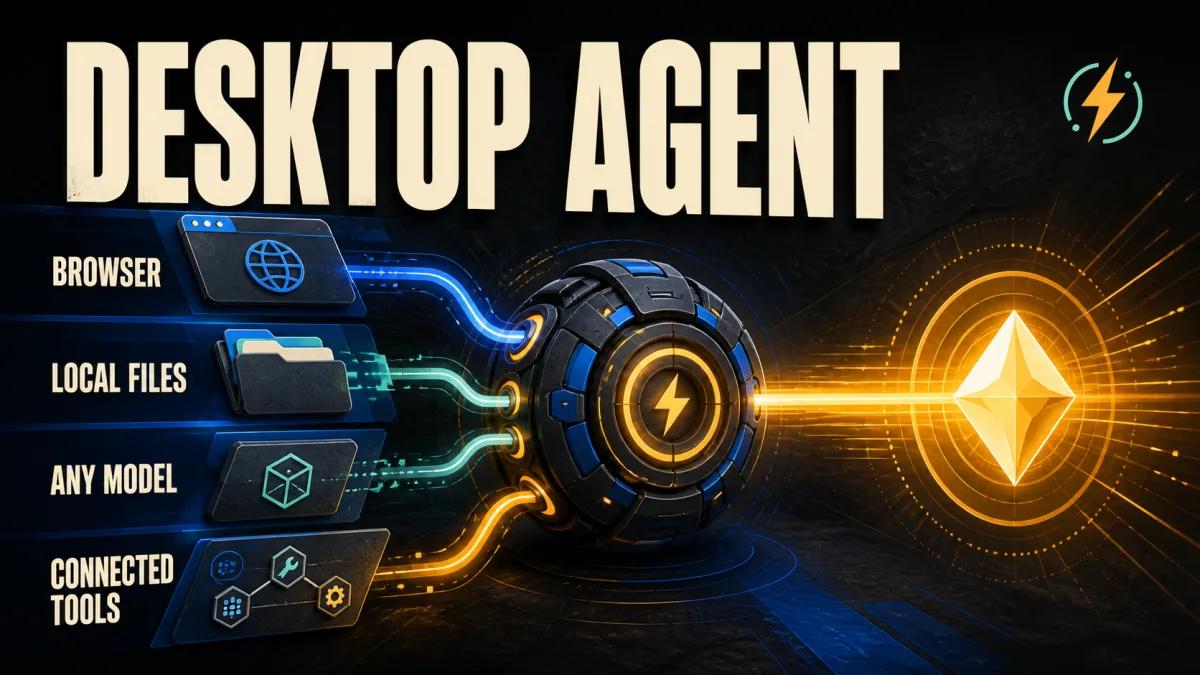
Energy is a downloadable desktop AI agent designed to complete work across a computer rather than stop at a chat reply. Gabriel Petersson, a former researcher and engineer at OpenAI and Midjourney, built Energy to work across browsers, local files and connected tools while allowing users to choose the language model behind the task. The launch was reported by Superhuman, while Energy's own product page provides the current description of its workflow and integrations. More on this: Perplexity Brings Its Personal Computer Agent to Windows.
Definition: Energy is a desktop AI agent that plans and executes work across browsers, files, inboxes and connected business tools.
Example: Energy can be asked to gather information from files and messages, prepare a plan, and return the result for review.
Key takeaway: Energy is positioning computer-use agents as a model-flexible work layer, not as another single-purpose chat window.
Business impact: Teams with work split across local files and web apps can evaluate one agent against coordination-heavy tasks, but they still need to control permissions and review actions.
What changed with Energy's desktop agent?
Energy changes the starting point for AI work from a single application to the computer itself. In its launch material, Energy describes assistants that take an outcome in plain language, gather context from email, files and connected tools, complete the required steps, and return a result for review. For operators, the useful distinction is that Energy is meant to coordinate work across systems instead of producing a plan that a person must execute manually.
The product is also positioned as an easier entry point for people who do not want to assemble a stack of MCP connections, skills and automations. Petersson's launch video says the goal is to make those capabilities simpler to use, while the Energy product page shows assistants for inbox, sales, research, project and finance work. The immediate test for a business is therefore not whether Energy can answer a question, but whether it can finish one bounded workflow with a reviewable result.
How does Energy work across a computer?
Energy can drive a real browser signed in with a user's profiles, which gives Energy access to the same web surfaces a person uses. The product page presents browser, inbox and file work as one operating environment, while the launch video shows examples involving receipts, email, PostHog and Mercury. That combination makes Energy relevant to tasks that cross application boundaries, but teams should start with limited permissions and a clearly reviewable output.
Energy's launch examples show the agent moving from information gathering to follow-up action. In one example, Energy tracks down missing receipts on a computer and in an inbox before uploading them to Mercury; in another, it finds product power users in PostHog and schedules meetings through email. Those demonstrations show the intended workflow shape — collect context, act in several systems, and hand back the result — rather than proving that every user's connected account will behave identically.
Why does model choice matter in Energy?
Energy separates the work environment from the model vendor by allowing users to switch language models without changing apps, assistants, tools or context. The launch page lists model options from OpenAI, Anthropic and other providers, and Superhuman describes Energy as compatible with any LLM. For a team, that model flexibility reduces the risk of rebuilding a computer-use workflow whenever a preferred model changes, so model selection can remain an operational decision rather than a platform lock-in decision.
Model flexibility does not remove the need for evaluation. Energy still has to produce reliable plans, use the right tools, respect permissions and recover when a browser or connected service changes. Energy's product description says assistants, tools and context remain in place when users switch models, so teams should compare those models on the same narrow workflow and measure completed outcomes, not just the fluency of the final response; AI agent evaluation is useful context for that distinction.
Which work is Energy targeting?
Energy is targeting work that is spread across many tools, with its product page naming founders, operators and teams as the intended users. The featured assistants cover inbox cleanup, sales progress, research and project coordination, while the launch examples add finance administration and launch planning. That focus puts Energy closer to a general computer-use agent than to a coding-only assistant, so businesses should assess it against repetitive coordination work first.
The product's examples also show why a desktop agent can be useful before a company automates an entire department. A launch coordinator can combine release checklists, pull requests and customer communications into one plan, while an inbox manager can triage replies and draft a follow-up for review. These examples point to a practical adoption path: give Energy one outcome, connect only the tools required, and inspect the result before expanding its authority.
What should teams watch before using Energy?
Energy's access to browsers, files and connected tools makes permissions and auditability central to any rollout. Energy says every step is recorded in an audit trail and that connected accounts are chosen by the user, while the product examples show actions such as sending messages and uploading files. Teams should therefore test Energy first on reversible work, require review for external side effects, and verify exactly which accounts and files an assistant can reach.
Energy also enters a crowded market that already includes computer-use agents and workplace assistants, and Superhuman's report explicitly notes steep competition, including Energy's founder's former employer. Energy's clearest differentiator in the launch material is the combination of desktop reach, ready-made assistants and model choice, not a demonstrated claim that it is universally better than competing products. Businesses evaluating Energy should compare it with the build-versus-buy decision for AI agents using one real workflow, one permission boundary and one measurable completion standard.
Energy's launch material puts the browser, inbox, local file system and connected business apps inside one desktop work surface, which is concrete evidence of where Energy wants its agent to operate. For teams, the takeaway is to judge the product on ordinary-work reliability — permissions, reviewable actions and completed outcomes — rather than on the polish of a launch demo alone. More on this: Databricks Genie One Makes Business Data Actionable.
Frequently asked questions
What is Energy?
Energy is a downloadable desktop AI agent built by Gabriel Petersson, a former OpenAI researcher and engineer who also worked at Midjourney. Energy is designed to handle projects across a user's computer, including work in browsers, local files and connected tools. The product combines a natural- language task request with computer and app access, so it aims to return a completed result rather than only a text answer. Users can choose among language models instead of being tied to one vendor.
What can Energy do on a computer?
Energy can drive a real browser signed in with the user's profiles and work across browser tasks, inboxes, local files and connected applications. Its launch examples include collecting launch information, drafting follow-up messages, finding receipts and uploading them to a finance service, and finding product users before scheduling meetings. These are examples shown by Energy's launch material, not a guarantee that every task will succeed without review or setup.
Which language models does Energy support?
Energy says users can switch models without switching apps, while keeping their assistants, tools and context in place. Its launch page shows model choices from OpenAI, Anthropic and other providers, and the Superhuman report describes Energy as compatible with any LLM. The practical implication is that a team can evaluate model choices inside the same work environment instead of rebuilding its workflow around one model vendor.
Who should evaluate Energy first?
Energy is most relevant to founders, operators and teams whose work is spread across browsers, inboxes, files and business applications. The product's own examples focus on coordination-heavy work such as launch planning, inbox follow-up, research and finance administration. Teams evaluating Energy should begin with a narrow task whose inputs, permissions and final result are easy to review before giving the desktop agent broader access.
Alex
Founder & Lead AI Writer
Alex is the founder of Yowox and lead AI writer since 2024, breaking down complex information into clear, actionable insights for thousands of readers every day. Alex has built AI automation systems for businesses since 2024, focusing on AI agents, workflow automation, and business process optimization.
Save hours. Save thousands.
Practical guides, real workflows, and the latest AI and automation news that matters — straight to your inbox.


