 By Alex
 Gemini API Managed Agents: 3.6 Flash, hooks, and more
Google is expanding Gemini API Managed Agents with Gemini 3.6 Flash as the default, environment hooks, model selection, token budgets, scheduled triggers and free-tier access.
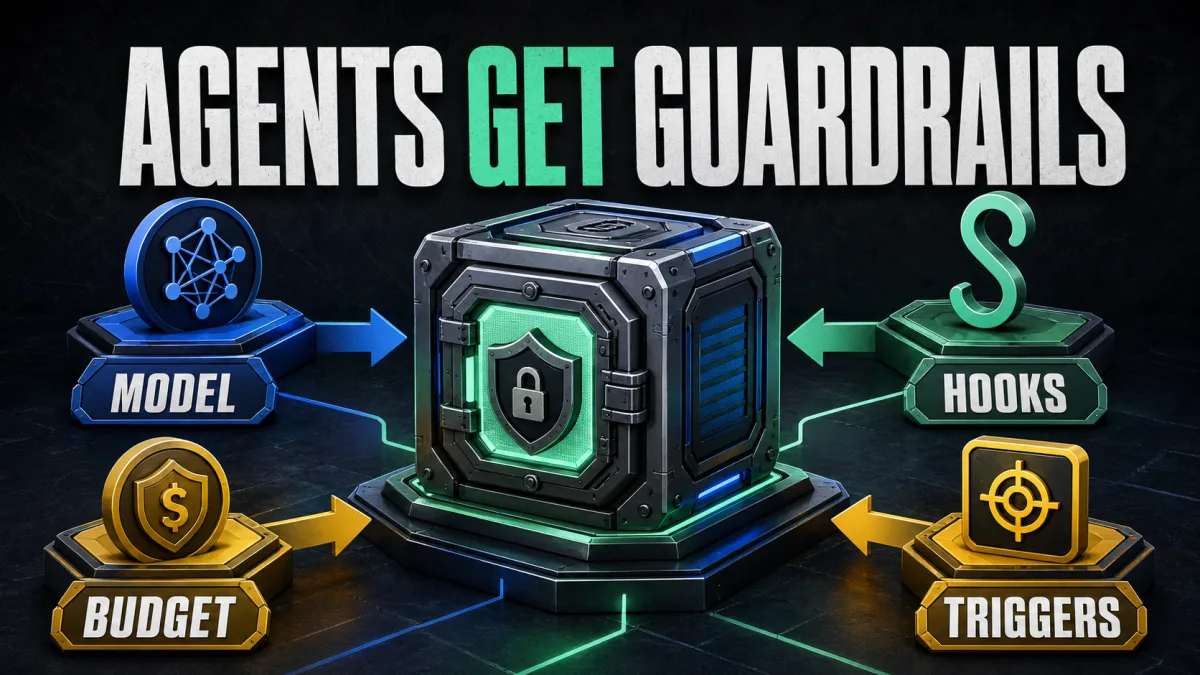
Google is making Gemini API Managed Agents more controllable, not merely more capable. In a July 28 announcement, Google says the managed antigravity-preview-05-2026 agent now defaults to Gemini 3.6 Flash, while developers also get environment hooks, explicit model selection, token budgets, scheduled triggers and free-tier access.
Gemini API Managed Agents are gaining an operating layer around the model. Gemini API Managed Agents already coordinate reasoning, code execution, package installation, file management and web retrieval inside an isolated cloud sandbox through the Gemini Interactions API. The new controls give teams more ways to constrain that loop before it becomes a production dependency.
Definition: Gemini API Managed Agents are hosted agents that execute multi-step work inside a remote sandbox through the Gemini Interactions API.
Example: A coding agent can inspect a repository, install packages, change files, run tests and return a result without the application separately orchestrating every step.
Key takeaway: Google is adding model choice, execution-time policy checks and explicit run limits around managed agent behavior.
Business impact: Teams can prototype autonomous workflows more cheaply and govern them more directly, but they still need workflow-level evaluation before trusting scheduled or tool-enabled runs.
Which controls were added to Gemini API Managed Agents?
The July release changes six parts of the Managed Agents experience: the default model, model selection, environment hooks, token budgets, scheduled triggers and project access. Google also highlights an Environments API for listing, inspecting and deleting sandbox sessions. Together, these updates move Managed Agents from a hosted execution demo toward a service with more operational controls.
| Update | What Google says it does | Why operators should care |
|---|---|---|
| Gemini 3.6 Flash default | The antigravity-preview-05-2026 agent uses Gemini 3.6 Flash automatically | Existing interactions may change in quality, latency or token use without a code change |
| Model selection | Developers can set agent_config.model explicitly | Teams can pin behavior or choose a different Flash model for a workflow |
| Environment hooks | Custom handlers can run before or after tool calls | Security, linting and audit checks can run inside the sandbox |
| Budget controls | max_total_tokens caps input, output and thinking tokens | Open-ended loops get a defined token boundary |
| Scheduled triggers | A persistent resource binds an agent, environment, prompt and cron schedule | Recurring work can run without a separate scheduler |
| Free tier | Managed Agents are available to projects without active billing | Developers can experiment before enabling paid billing |
Why Gemini 3.6 Flash as the default matters
Gemini 3.6 Flash is now the default model for the preview Antigravity agent, and Google says no code changes are required to receive it. The next interaction using that agent picks up the new default automatically. That is convenient for experimentation, but it means an existing workflow can change underneath its application code.
Developers can select a model through agent_config.model when creating an interaction or managed agent. Google lists Gemini 3.6 Flash as the balanced option for reasoning, coding and tool use; Gemini 3.5 Flash as the previous general agent model; and Gemini 3.5 Flash-Lite as the lower-latency, lower-cost option. Teams that need reproducible behavior should pin a model identifier during a controlled rollout rather than treating the default as a permanent contract. Related reading: Google Releases Gemini 3.6 Flash, 3.5 Flash-Lite, and 3.5 Flash Cyber: A Cheaper, More Token-Efficient Flash Tier Built for Agentic Workloads. See also Gemini 3.7 Flash pairs stronger agents with half-price input.
Gemini API Managed Agents reinforce the lesson from how an AI agent differs from a chatbot: the model is only one part of the system. Tools, state, permissions and the execution loop determine what Gemini API Managed Agents can actually do. A model-default change can therefore affect the whole workflow, not only the wording of its final answer.
How environment hooks put policy inside the sandbox
Environment hooks let developers run custom scripts before or after each tool call made by the agent inside its sandbox. Google’s examples include blocking risky operations, linting generated files and auditing activity. A hook configuration can use regular-expression matchers to target specific tools such as code_execution or write_file, or to observe every tool with a catch-all matcher.
The location matters. A remote agent can write files and execute code in a sandbox that the calling application does not directly control step by step. Hooks create a validation point next to that execution boundary. A pre-tool hook can reject an operation before it runs; a post-tool hook can inspect what happened and enforce formatting or quality checks afterward.
Hooks are a control surface, not a complete security model. A script that returns a deny decision can stop a matched tool call, but teams still need to define which actions are sensitive, how failures are reported and which human approvals are required. Hooks also add their own latency and failure modes. The useful test is whether they reduce unsafe or low-quality runs without making normal work too brittle.
What do token budgets and incomplete runs change?
The new max_total_tokens setting caps the combined input, output and thinking tokens consumed by one interaction. Google says that when the agent reaches the limit, the interaction returns status: "incomplete" and preserves the environment. Developers can continue from the saved state later with a fresh budget by passing previous_interaction_id.
The max_total_tokens setting gives an autonomous loop an explicit stopping condition. A Gemini API Managed Agent may spend tokens inspecting files, reasoning about a plan, calling tools, handling errors and retrying before it produces a result. The total cap makes the maximum exposure for one run visible, even though it does not guarantee that the run will finish.
Teams evaluating Gemini API Managed Agents should use cost per completed workflow—not only tokens per interaction—as the main budget metric for autonomous runs. Gemini API Managed Agents can spend tokens on file inspection, reasoning, tool calls, errors and retries before returning a result, so a low cap that interrupts most jobs can create restart and human-review work. Set a budget, then record completion rate, retries, human correction and final quality before choosing the limit.
How do scheduled triggers reuse a sandbox?
Scheduled triggers let developers bind an agent, environment, prompt and cron schedule into a persistent resource. Each run reuses the same sandbox, so files can persist across executions. That makes Managed Agents suitable for recurring tasks such as repository audits or periodic report generation, provided the workflow has clear state and cleanup rules.
How does the Environments API manage sandbox state?
The Environments API complements scheduled triggers by letting developers list, inspect and delete sandbox sessions. Google says the Environments API can help recover environment IDs after a disconnect or clean up sandboxes instead of waiting for the seven-day time-to-live. For operators, environment lifecycle is part of the workflow: recurring automation needs to know what state carries forward, what should be deleted and how an interrupted run resumes.
Scheduled execution raises the bar for observability. A manually started experiment can be watched by a developer. A recurring agent needs logs for tool calls, hook decisions, token use, incomplete statuses and human interventions. The update supplies building blocks for that model, but the application still has to decide what to record and how to alert on failure.
Is the free tier enough for production experiments?
Google says Managed Agents are now available to free-tier projects, so developers can experiment with an API key from a project without active billing. That lowers the barrier to testing a remote sandbox, hooks and scheduled workflows before committing to a paid project.
Free-tier access should be treated as an experimentation path, not as proof of production capacity. Quotas, model availability, rate limits and data terms still shape what a real deployment can do. Teams should repeat meaningful evaluations under the billing configuration and workload they expect in production.
The broader AI automation stack still applies: a hosted model and sandbox do not remove the need for integrations, permissions, validation, monitoring and human escalation. Managed Agents package more of that stack, but they do not make the surrounding operating decisions disappear.
What should developers do next?
Developers evaluating the update should start with a bounded workflow rather than a broad autonomous mandate. Pin the model, set a token budget, add a pre-tool hook for the highest-risk operation and record every tool call. Then compare the default Gemini 3.6 Flash path with an explicitly selected model using the same inputs, environment and acceptance criteria.
Teams using Gemini API Managed Agents for scheduled triggers should test interruption and recovery before creating a schedule. Scheduled triggers bind an agent, environment, prompt and cron schedule into a persistent resource, so verify which files persist, how a denied hook call is handled, how an incomplete interaction resumes and how stale sandboxes are deleted. Run those checks before unattended production use because the business risk appears in retries, exceptions and unattended runs.
Google’s release makes Managed Agents easier to start and easier to constrain. The remaining question is not whether a hosted agent can execute a task once. It is whether a team can measure, govern and recover the full loop when the task runs repeatedly.
Frequently asked questions
What changed in Gemini API Managed Agents?
Google says Managed Agents now default to Gemini 3.6 Flash and support explicit model selection, environment hooks, free-tier projects, token budgets, scheduled triggers and an Environments API. The same release builds on the managed agent's existing remote sandbox, where one API call can coordinate reasoning, code execution, package installation, file management and web retrieval.
What are environment hooks in Gemini Managed Agents?
Environment hooks are custom scripts or HTTP handlers that run before or after tool calls inside the managed agent's sandbox. Google documents them as a way to block risky operations, lint or validate outputs, audit activity, and target selected tools with regular-expression matchers. They bring policy checks closer to the execution boundary instead of leaving every validation step outside the sandbox.
Is Gemini 3.6 Flash the only model available?
No. Google says Gemini 3.6 Flash is the default for the antigravity-preview-05-2026 agent, but developers can set agent_config.model explicitly. The announcement lists Gemini 3.6 Flash, Gemini 3.5 Flash and Gemini 3.5 Flash-Lite as supported choices, allowing teams to trade capability, latency and cost for a particular agent workflow.
How do the new budget controls work?
Developers can set max_total_tokens inside agent_config to cap the combined input, output and thinking tokens for an interaction. Google says a run that reaches the limit returns status incomplete while preserving the environment, so the workflow can continue later with a fresh budget by using the previous interaction ID. The cap limits one run; it does not prove that the workflow is efficient or inexpensive overall.
Alex
Founder & Lead AI Writer
Alex is the founder of Yowox and lead AI writer since 2024, breaking down complex information into clear, actionable insights for thousands of readers every day. Alex has built AI automation systems for businesses since 2024, focusing on AI agents, workflow automation, and business process optimization.
Save hours. Save thousands.
Practical guides, real workflows, and the latest AI and automation news that matters — straight to your inbox.


