By Alex
 How to Connect AI Agents to Your CRM, Google Sheets and Slack
AI agents become useful when they can safely read, write, log and escalate inside the tools your team already uses.
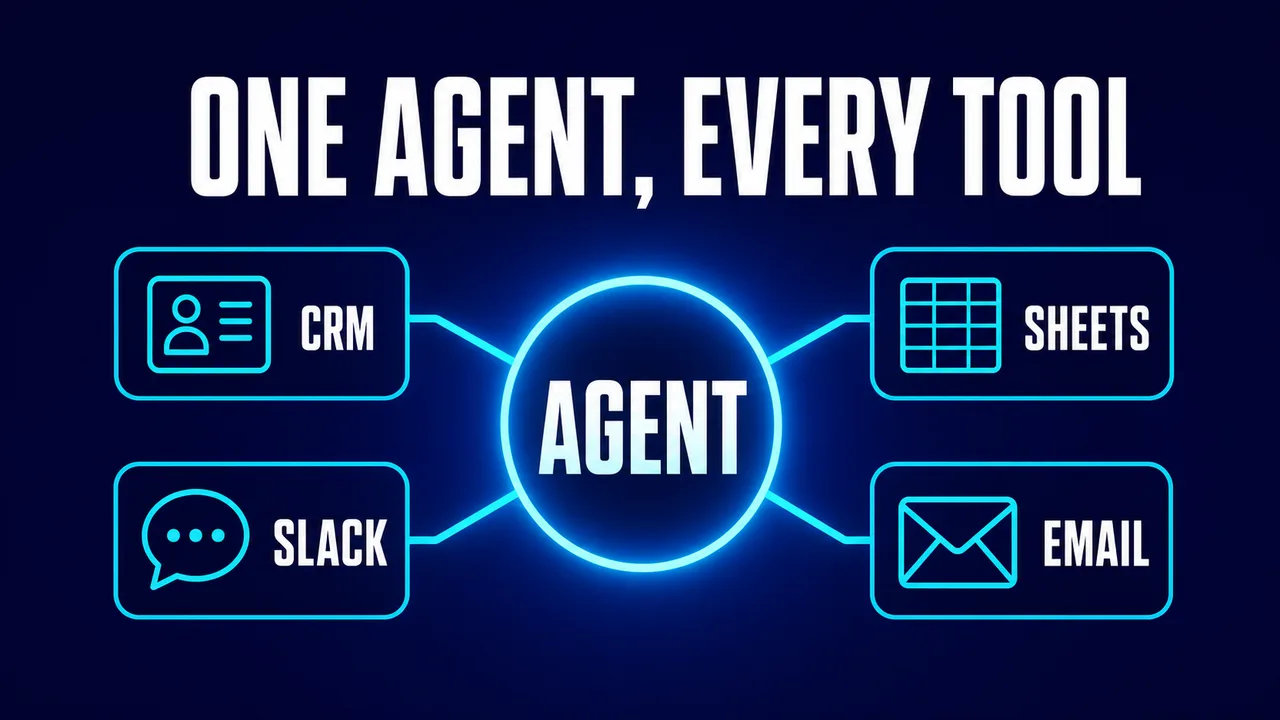
An AI agent connected to CRM, Google Sheets and Slack becomes operational instead of conversational. The business value appears when the AI agent can read trusted records, call approved tools, write narrow updates and prove what happened afterward.
Definition: AI agent integrations are controlled connections that let an AI agent read, write, notify and log inside business systems.
Example: An AI agent can read a HubSpot lead, append qualification data to Google Sheets, and post a sales-ready summary to Slack for review.
Key takeaway: Start with read-only access, add narrow write actions, log every tool call and require approval for risky updates.
Business impact: Good integrations turn AI from a chat assistant into a repeatable workflow that saves lookup, copy-paste and handoff time.
What should an AI agent connect to first?
An AI agent should connect first to the system that owns the workflow's source of truth. For sales, that is usually a CRM. For lightweight operations, that may be Google Sheets. For team alerts, that may be Slack. The first integration should support one workflow, not the entire company.
Start with the smallest useful path. A lead qualification agent might need CRM read access, one spreadsheet append action and one Slack alert channel. A support agent might need helpdesk read access, order lookup and one escalation channel. For choosing which workflow deserves integrations first, see 7 Business Workflows You Should Automate First.
The Yowox Four-Gate Integration Model
The Yowox Four-Gate Integration Model is read, draft, write and audit. Every new AI agent integration should pass through these gates in order. Read proves the agent can retrieve the right context. Draft proves the agent can prepare useful output. Write allows a narrow approved action. Audit proves the team can trace what happened.
| Gate | What the agent can do | Example |
|---|---|---|
| Read | Retrieve records and context | Look up CRM company data |
| Draft | Prepare an action for approval | Draft Slack alert or CRM note |
| Write | Complete a narrow approved action | Create note, append row |
| Audit | Log and review the action | Store tool call and outcome |
How should CRM access work?
CRM access should be object-specific and workflow-specific. A lead qualification agent may need to read contacts, companies and deals, then create a note or task. The same agent probably does not need permission to delete records, merge contacts or change pipeline stages on day one. Narrow CRM access protects the business from accidental changes while still removing manual research.
The CRM output should be structured. A useful AI-generated CRM note includes source, fit score, intent score, qualification reason, missing information and recommended next action. If the AI agent writes a vague paragraph, sales still has to interpret the lead. If the AI agent writes stable fields, the CRM becomes easier to search, report and audit. Background: How to Automate Lead Qualification With AI.
How should Google Sheets access work?
Google Sheets access should be treated as a lightweight database only when the workflow is simple. Google Sheets is useful for pilots, logs, scoring tables and shared review queues. Google Sheets is a poor fit for complex permission rules, high-volume writes or workflows that require strict transactional consistency. When the workflow outgrows a spreadsheet, the question becomes how the agent talks to a real database — covered in how AI agents access Postgres.
Google's Sheets API documentation publishes usage limits, which is a reminder that Sheets integrations are operational systems with quotas, not magic scratchpads. A first AI agent can append rows for review, but production workflows should define what happens when the API fails, a sheet column changes or a row is edited manually.
How should Slack access work?
Slack access should be channel-specific and action-specific. Slack's scopes model exists so apps request the permissions they need; an AI agent should follow the same principle. A first Slack integration might post a draft alert into #sales-review or summarize a thread in a private operations channel. It should not read every channel or message every employee unless the workflow truly requires that scope.
Slack is best used as the human-in-the-loop surface. The AI agent can post a lead summary, support escalation or document exception with buttons or links for approval. Slack should not become the hidden system of record; the final decision should also be written back to the CRM, helpdesk, spreadsheet or database that owns the workflow.
How do tool calls work?
Tool calls are the mechanism that turns a model response into an external action. OpenAI's function-calling documentation shows the basic pattern: define callable tools, let the model choose a tool with arguments, execute the tool in your application and send the result back to the model. In business terms, the AI agent asks permissioned functions to read or write real systems.
The safest implementation uses a tool allowlist. Instead of giving an AI agent arbitrary API access, expose named actions such as get_contact, create_crm_note, append_sheet_row, post_slack_message and request_human_approval. Each tool should validate inputs, enforce permissions and return structured results.
What should be logged?
Every AI agent integration should log who triggered the workflow, what tool was called, which record IDs were touched, what the tool returned, whether a human approved the action and whether the action succeeded. Logs make debugging practical because they separate model mistakes from API errors, missing data and permission failures.
Audit logs also build trust. A manager does not need to read every token the AI agent generated, but a manager does need to know why a CRM note appeared, why a Slack alert was posted or why a sheet row changed. For the monitoring layer behind this, see The AI Automation Stack.
What is a safe first integration project?
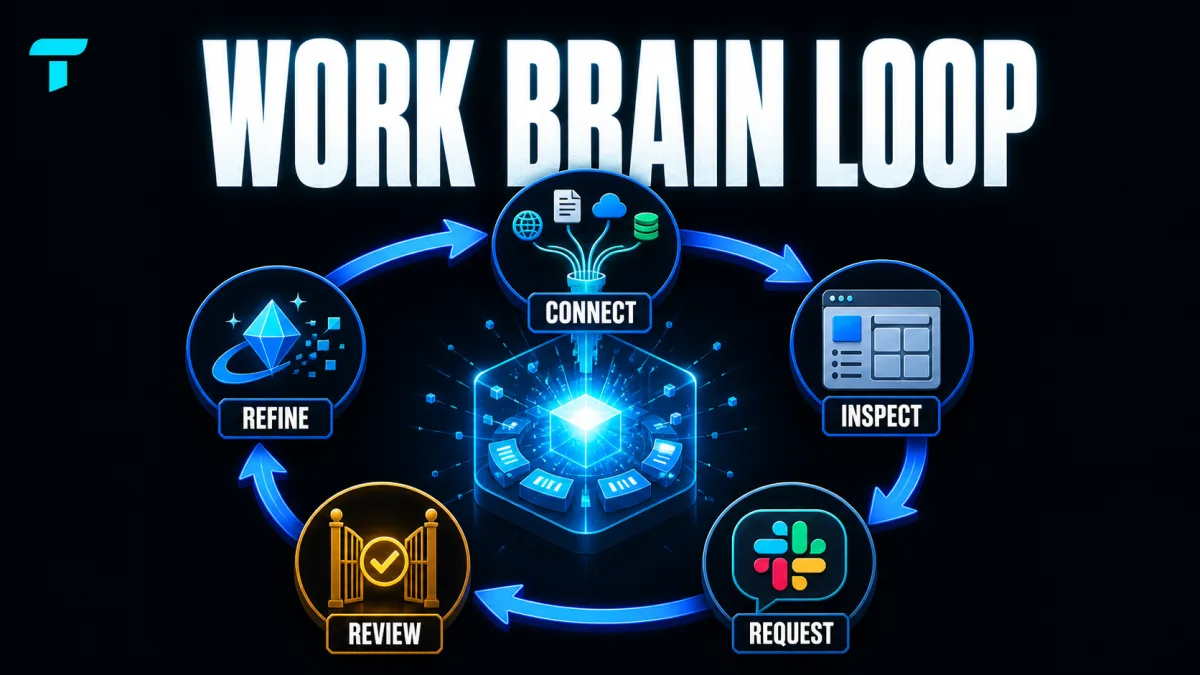
A safe first integration project connects one AI agent to one workflow with read-only data and one low-risk output. For example: read a new CRM lead, summarize fit, append the analysis to Google Sheets and post a draft alert to Slack. Humans review the alert before any pipeline stage changes. Related reading: How to Build a Self-Updating Work Brain With Town.
After the first workflow is reliable, add one write action at a time. The right sequence is not "connect everything." The right sequence is read the right facts, draft the right action, write only what is allowed and log the whole path.
Good integrations turn AI from an assistant into an operational system.
Frequently asked questions
What does it mean to connect an AI agent to business tools?
Connecting an AI agent to business tools means giving the agent controlled access to read data, call approved actions, write updates and log what happened in systems such as a CRM, Google Sheets, Slack, email, helpdesk or database. The connection should be narrow and auditable. A useful AI agent does not need broad admin access. A useful AI agent needs the few permissions required to complete one defined workflow safely.
Should an AI agent get read access before write access?
Yes. An AI agent should usually get read access before write access. Read access lets the team test whether the agent can retrieve the right records, summarize context and recommend actions without risking unwanted changes. Write access should come later, one action at a time: create a CRM note, append a sheet row, draft a Slack message or update a status after approval. This staged rollout reduces avoidable risk.
What permissions should an AI agent have in Slack or a CRM?
An AI agent should have the minimum permissions needed for the workflow. In Slack, that might mean reading a specific channel and posting to one alert channel. In a CRM, that might mean reading contacts and creating notes, but not deleting records or changing deal stages. Permission scope should match the action contract: what the AI agent can read, what the AI agent can write and which actions require human approval.
How do you log AI agent tool calls?
Log every AI agent tool call with timestamp, user or workflow trigger, tool name, input summary, result summary, record IDs touched, approval state and error state. Logs should avoid exposing unnecessary private data, but they must be detailed enough to debug and audit the workflow. Without action logs, a team cannot tell whether the AI agent made a bad decision, received bad context or failed because a tool returned an error.
What is the safest first integration for an AI agent?
The safest first integration is usually a read-only integration plus a low-risk notification. For example, an AI agent can read a CRM record, summarize a lead and post a draft alert to a private Slack channel for review. This proves the agent can retrieve context and produce useful output before the system is allowed to update records, send messages or change workflow state automatically.
Alex
Founder & Lead AI Writer
Alex is the founder of Yowox and lead AI writer since 2024, breaking down complex information into clear, actionable insights for thousands of readers every day. Alex has built AI automation systems for businesses since 2024, focusing on AI agents, workflow automation, and business process optimization.
Save hours. Save thousands.
Practical guides, real workflows, and the latest AI and automation news that matters — straight to your inbox.