 By Alex
 Claude Gmail replies can now go out unattended
Claude can now send, reply to, and forward Gmail messages through its Google Workspace connector; approval stays on by default, but eligible teams can allow the actions to run without a prompt each time.
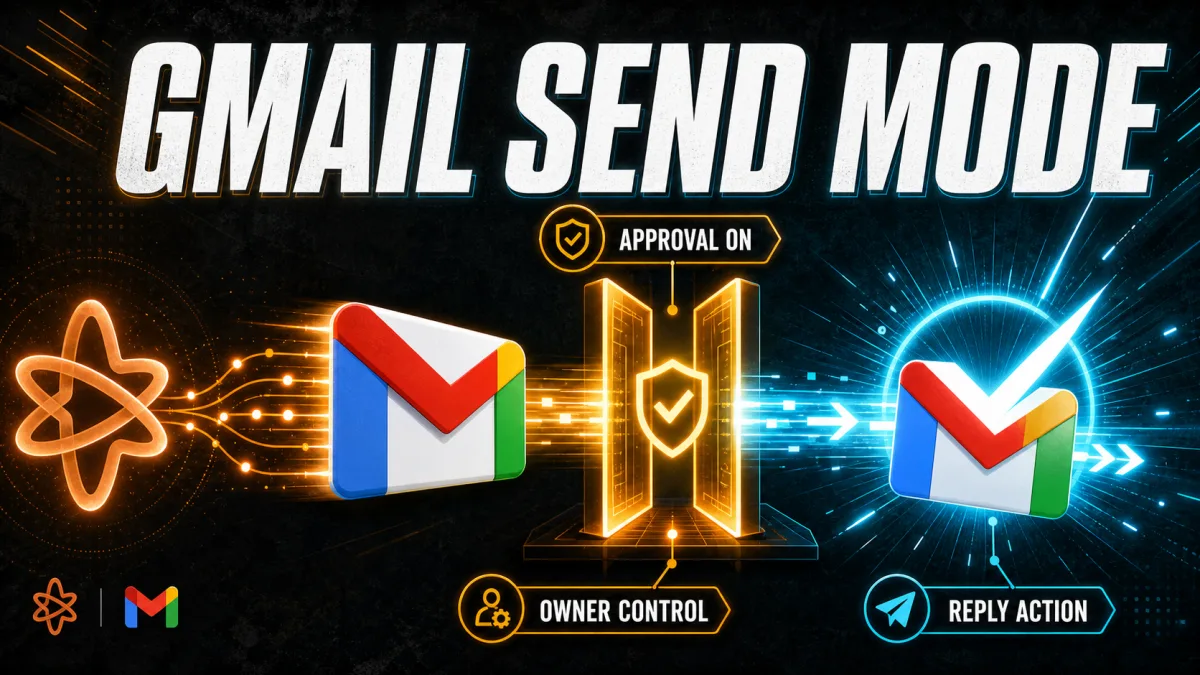
Claude can now use a connected Gmail account to send, reply to, and forward email as part of a requested task. The change matters because the Google Workspace connector can move from drafting or finding a message to taking the final mail action, while Anthropic still makes approval the default and lets Team and Enterprise owners control whether members can remove that prompt.
Definition: Claude's Gmail connector is a tool connection that lets Claude search, read, draft, send, reply to, and forward email from a connected Google account.
Example: A user can ask Claude to reply to a Gmail thread, and Claude can draft and send that response instead of stopping at a draft.
Key takeaway: Claude can now complete the send step, but unattended sending is an account-level choice rather than the default behavior.
Business impact: Teams evaluating AI agents should treat Gmail sending as an external side effect that needs scoped permissions, test cases, and an escalation path.
What changed in Claude's Gmail connector?
Claude's Gmail connector can now perform the final email action after a user requests it, according to 9to5Google's report on Anthropic's rollout. The practical change is not that Claude can suddenly read every mailbox: the user still has to connect the Google account and ask Claude to do something, but a reply can now be sent rather than left waiting as a draft.
Claude's official announcement describes the same shift in operational terms: ask Claude to reply to a thread, and Claude drafts and sends the response, while the user controls when approval is required. That makes Gmail a real action surface for Claude, not just a source of context for a chat answer.
How does Gmail approval work?
Anthropic's current connector documentation says Claude asks for approval before each Gmail send, reply, or forward by default. The default matters because Claude's new capability does not automatically authorize silent delivery; the user must still authenticate the connector, request the action, and accept the default approval flow unless the relevant account controls allow otherwise.
Team and Enterprise owners decide whether members can allow these Gmail actions to run without asking each time, Anthropic says. For an organization, that turns approval into a governance setting: the important question is not only whether Claude can send mail, but which people and workflows may use the no-prompt path.
Why is unattended email a meaningful agent step?
Unattended sending changes the risk boundary because a generated reply becomes an external communication once Gmail delivers it. The evidence is the action itself: Claude can now send, reply to, and forward messages, so a business should evaluate recipient selection, message content, authorization, and failure handling before enabling the faster path.
The feature is a useful example of the difference between drafting automation and an AI agent that can act through tools. A draft asks a person to complete the workflow; a send-capable connector can complete the workflow's final step, which is more useful for repetitive work but more consequential when the model is wrong.
What should teams test before enabling it?
Teams should start with a narrow mailbox and low-risk reply category, then compare Claude's proposed recipients and message content with a human-reviewed baseline. That test should include mistaken thread selection, missing context, ambiguous requests, external recipients, and messages that should be escalated instead of sent.
Teams should keep approval enabled while measuring those failure modes, because Anthropic documents approval as the default and because approval creates a recoverable checkpoint. Only after the team has defined acceptable cases should an owner consider allowing actions without a prompt for each send.
Teams should also separate permissions by workflow rather than treating "Claude can send email" as a blanket automation policy. A support acknowledgement, an internal scheduling reply, and a legal or financial commitment have different consequences; the first may be suitable for a controlled pilot, while the last two need stronger review or an explicit human handoff.
Where is Claude's Gmail sending available?
Claude's announcement says the Gmail and Google Drive actions are available on all paid plans. Anthropic's support page describes Google Workspace connectors across Claude and Claude Desktop, while noting that Team and Enterprise owners control organization-level connector access and approval settings; users should therefore check the current controls on their specific product surface before planning a rollout. Related reading: How to check if ChatGPT, Claude, and Perplexity were hacked.
Claude's connector documentation also says the connection can search and read email, access metadata, manage labels and threads, and list saved drafts in addition to sending, replying, and forwarding. The useful takeaway is that Gmail sending is one action inside a broader connector, so a rollout should review the read permissions and organization controls alongside the send permission.
What does this mean for AI automation?
Claude's Gmail update is one concrete example of the broader AI automation stack, and its practical distinction is that Gmail delivery is an external side effect. The evidence is a connector that can finish a reply, and the operational lesson is to design the permission boundary before optimizing for fewer approval clicks.
For businesses, the right first use case is a repetitive process with clear inputs, approved language, and a measurable rollback or escalation path. Claude's Gmail connector can be tested in that setting, but unattended sending should be treated as supervised automation until real message-level results show that the workflow is reliable enough for a narrower autonomous scope.
Frequently asked questions
Can Claude send emails from Gmail?
Yes. Anthropic says Claude can send, reply to, and forward messages from a connected Gmail account. Claude still asks for explicit approval by default, so sending without a prompt is a setting that must be enabled where the account or organization permits it.
Does Claude send Gmail messages without approval by default?
No. Anthropic's Google Workspace connector documentation says approval is the default before each send, reply, or forward action. The no-prompt option changes that review step; it does not mean Claude can send mail without the user first connecting Gmail and asking Claude to perform an action.
Who controls approval-free Gmail actions in Claude?
On Team and Enterprise plans, Anthropic says organization owners decide whether members can allow Gmail sends, replies, and forwards to run without asking each time. That makes the setting an administrative control as well as an individual workflow choice, so teams should define who may use it.
Is Claude's Gmail sending feature available on every plan?
The announcement from Claude says the Gmail and Google Drive actions are available on all paid plans. Anthropic's connector documentation separately describes Google Workspace connectors as available on Claude and Claude Desktop, so availability and the exact approval controls may depend on the product surface and account plan.
What should a business check before enabling unattended sends?
A business should first define which mailboxes, users, message types, and recipients may be handled without per-message approval. It should also test the workflow with low-risk replies and keep a human review path for sensitive, external, financial, legal, or irreversible communications.
Alex
Founder & Lead AI Writer
Alex is the founder of Yowox and lead AI writer since 2024, breaking down complex information into clear, actionable insights for thousands of readers every day. Alex has built AI automation systems for businesses since 2024, focusing on AI agents, workflow automation, and business process optimization.
Save hours. Save thousands.
Practical guides, real workflows, and the latest AI and automation news that matters — straight to your inbox.


