By Alex
 10 Open-Source No-Code AI Platforms for Building LLM Apps, RAG Systems, and AI Agents
A practical comparison of ten open-source and source-available platforms for visual LLM apps, RAG, agent workflows, and self-hosted AI automation.
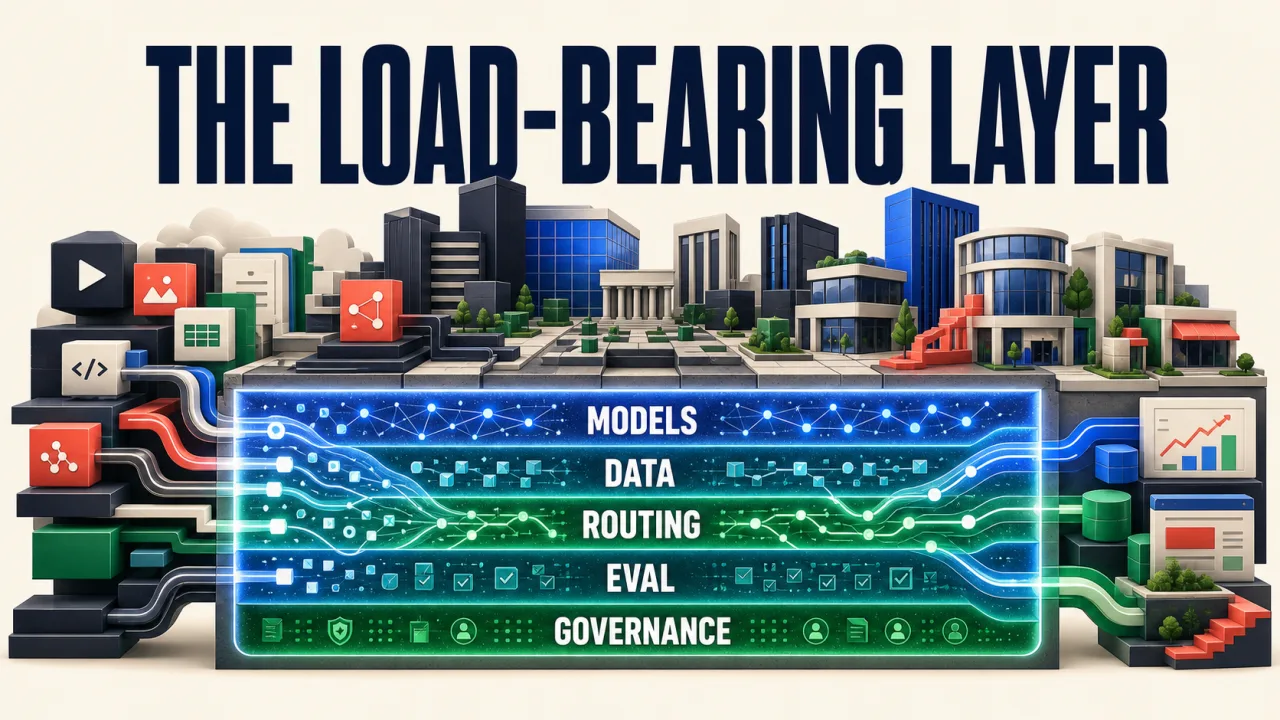
Building an LLM app used to mean choosing a model SDK, writing an orchestration layer, wiring retrieval, and then building an interface around the result. A growing group of open-source and source-available platforms now moves much of that work into visual canvases, web UIs, document pipelines, and natural-language builders.
The MarkTechPost roundup of ten open-source no-code AI platforms is useful because it puts three different jobs in one comparison: building LLM applications, building retrieval-augmented generation (RAG) systems, and building AI agents. Those jobs overlap, but they are not interchangeable. A document-chat app needs reliable parsing and citations; an agent needs tools, permissions, and evaluation; a workflow platform needs triggers, retries, and observability.
Definition: Open-source no-code AI platforms provide visual or natural-language interfaces for assembling LLM apps, RAG pipelines, workflows, or agents, while keeping some or all of the source available for self-hosting and customization.
Example: A team can upload documents, configure a retrieval flow, connect a model, and expose a chat or API without implementing every orchestration component from scratch.
Key takeaway: “No-code” lowers the first-build barrier, but it does not remove decisions about data, licenses, model costs, permissions, and evaluation.
Business impact: Self-hosted visual platforms can shorten experimentation and improve data control, but they also move deployment and maintenance responsibility to the team.
Which platforms are in the comparison?
The ten projects fall into three practical groups. AutoAgent and Open Agent Platform focus most directly on agents. AnythingLLM, RAGFlow, and FastGPT are especially relevant to knowledge bases and RAG. Dify, Flowise, Langflow, Sim, and n8n cover broader visual application or automation workflows, with different levels of code extensibility.
| Platform | Best starting point | Interface | License snapshot |
|---|---|---|---|
| AutoAgent | Natural-language agent building | Goal description plus editors | MIT, according to the roundup |
| AnythingLLM | Self-hosted document chat and RAG | Desktop or Docker UI | MIT, according to the roundup |
| Open Agent Platform | LangGraph-based agents | No-code web UI | MIT, according to the roundup |
| Sim | Visual agent workflows | Canvas with blocks and Copilot | Apache-2.0, according to the roundup |
| Dify | Production-oriented LLM apps | Workflows, prompt tools, LLMOps | Modified Apache-2.0 qualification |
| Flowise | Fast LLM and RAG prototypes | Drag-and-drop canvas | Apache-2.0 core qualification |
| Langflow | Visual flows with code escape hatches | Drag-and-drop plus Python | MIT, according to the roundup |
| RAGFlow | Complex document RAG | Web UI and knowledge pipeline | Apache-2.0, according to the roundup |
| n8n | Automation with AI steps | Workflow canvas plus optional code | Sustainable Use License |
| FastGPT | Knowledge bases and retrieval flows | Web UI and visual Flow module | Apache-2.0 plus conditions |
The license column is a decision aid, not legal advice. Repositories, enterprise directories, and commercial terms can change independently of an article, so review the current license before deployment.
1. HKUDS AutoAgent: natural-language agent building
AutoAgent is the most explicitly zero-code agent option in the list. Its premise is that a user describes a goal in natural language and the system constructs tools, agents, or multi-agent workflows around it.
The platform is a good fit when the primary question is, “Can I express this agent behavior without designing the orchestration graph manually?” It includes an agent editor, a workflow editor, and a research-assistant mode. The trade-off is that generated orchestration still needs inspection: a natural-language instruction can hide tool permissions, error handling, and cost assumptions that would be visible in a hand-built flow.
2. AnythingLLM: all-in-one self-hosted RAG and agents
AnythingLLM targets users who want document chat, knowledge bases, agents, and a self-hosted interface in one package. It can run as a desktop application or in Docker, and its no-code Agent Flows builder lets users compose agent logic without scripting.
AnythingLLM is a practical first stop for a private internal assistant or a small team that needs to bring documents into a usable chat experience quickly. It is less specialized than RAGFlow for difficult document parsing, but that generality can be an advantage when the goal is an all-in-one workspace rather than a finely tuned retrieval engine.
3. Open Agent Platform: a visual layer over LangGraph
LangChain’s Open Agent Platform focuses on making LangGraph agents accessible through a web interface. The visual layer is aimed at non-developers, while the underlying graph model leaves room for engineers to customize behavior as a project matures.
Its value is the bridge between no-code configuration and code-level extensibility. The platform includes RAG connections, MCP tool access, and multi-agent orchestration patterns. It is a better fit for teams that already expect LangGraph to be part of their architecture than for users looking for the simplest possible document-chat install.
4. Sim: a visual canvas for agent workflows
Sim uses a Figma-like canvas where users place blocks such as Agent, Function, API, Router, and Loop. The result is closer to a visual programming environment than a single chatbot builder. An AI Copilot can help assemble workflows, while tracing and live execution make it easier to inspect what happened.
Sim suits teams that want agent workflows to be visible and debuggable. It also connects to a large integration surface and supports MCP. The important caveat is familiar across the category: a canvas can make a complicated flow easier to see, but it does not make the flow logically correct. Test branches, retries, tool failures, and human approval paths before treating a visual workflow as production-ready.
5. Dify: production-oriented LLM applications
LangGenius Dify is positioned as a broader LLM application platform. It combines visual workflows, RAG pipelines, agent capabilities, prompt experimentation, tools, and LLMOps-style monitoring.
Dify is the most natural candidate in this list for teams that want to move beyond a prototype into a managed application lifecycle. Its breadth is also its complexity: more features mean more configuration, more deployment surface, and more license details to review. Confirm the current distinction between core and enterprise functionality before making a commercial or hosted-product decision.
6. Flowise: the low-friction visual builder
Flowise is a drag-and-drop builder for LLM applications, RAG pipelines, chatbots, and multi-agent systems. Its Assistant, Chatflow, and Agentflow modes provide progressively more structure as a project grows.
Flowise is a strong choice for the first visual prototype because a user can see the chain from model to prompt to retriever to tool. Templates reduce setup time, while the LangChain foundation gives developers a path to customize later. That also makes Flowise better described as low-code for serious deployments: its value is not that code disappears, but that the first architecture can be assembled before every integration is hand-written.
7. Langflow: visual first, code-friendly later
Langflow combines a visual editor with access to Python source and a wide range of model and tool integrations. A flow can be exposed as an API or MCP server, which makes it useful when a visual prototype eventually needs to become part of another application.
Langflow is a good fit for teams that want a gentle visual start without committing to a permanently visual-only system. Its support for multi-agent orchestration and observability integrations makes it more extensible than a simple prompt playground. The cost is that teams still need engineering discipline once custom components and production deployments enter the picture.
8. RAGFlow: deep document understanding
InfiniFlow RAGFlow is the document specialist in the group. Its DeepDoc processing focuses on layouts, tables, figures, scanned PDFs, and other structures that naive text chunking can lose before retrieval even begins.
RAGFlow is the strongest candidate when the central problem is not “how do I connect a model?” but “how do I preserve meaning inside difficult enterprise documents?” Its UI supports knowledge bases, chunk visualization, grounded answers, and traceable citations. Deployment is more infrastructure-heavy than a desktop-first tool, but that is a reasonable trade when retrieval quality and reviewability matter more than the fastest demo.
9. n8n: automation with AI capabilities
n8n is an automation platform that now includes AI nodes and LangChain-based building blocks. Its visual workflow editor connects business applications, APIs, triggers, and AI steps, while optional JavaScript, Python, and package support gives advanced users an escape hatch.
n8n is the best match when AI is one part of a broader automation: classify an inbound request, look up a customer, ask a model for a structured decision, and route the result to a human or another system. It should not be casually described as OSI-approved open source. The Sustainable Use License and separate enterprise terms are part of the platform decision, especially for products that will be hosted for customers.
10. FastGPT: visual knowledge-base workflows
Labring FastGPT focuses on knowledge bases, document processing, RAG retrieval, and visual workflow orchestration. Its Flow module provides a way to assemble retrieval and response logic without starting from a blank codebase.
FastGPT is useful for teams that want an opinionated knowledge-base assistant rather than a general-purpose automation canvas. The roundup highlights automatic question-and-answer generation from documents as one way to improve retrieval preparation. As with any generated dataset, those pairs should be evaluated before they become training or retrieval truth.
How should you choose between them?
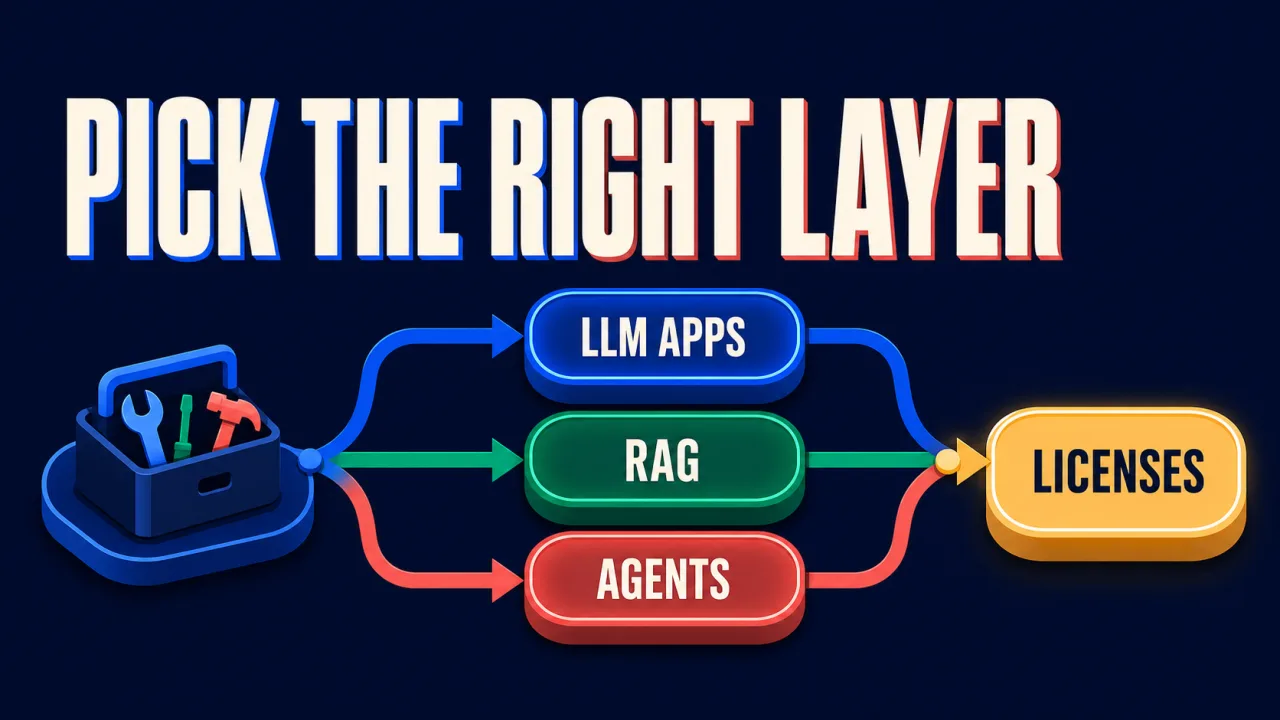
Start with the workload, not the feature count. Use this decision path:
- Need a document assistant quickly? Try AnythingLLM for a simple all-in-one experience, or RAGFlow when layout-heavy files are the main difficulty.
- Need a visual LLM prototype? Flowise offers a low-friction canvas; Langflow is a better fit when Python extensibility matters.
- Need production application controls? Evaluate Dify, but include authentication, monitoring, deployment, and licensing in the comparison rather than looking only at the prompt builder.
- Need multi-step agents? Compare AutoAgent, Open Agent Platform, and Sim by how clearly they expose tools, state, approvals, and failures.
- Need business automation around AI? n8n is the natural candidate when the workflow already spans many SaaS systems and APIs.
- Need a knowledge-base workflow? FastGPT provides a focused path when you want retrieval and visual flows without adopting a larger application platform.
The most important hidden choice is no-code versus low-code. Visual builders accelerate the first 80 percent of a workflow. The final 20 percent — authentication, data contracts, evaluation, retries, observability, tenancy, and safe tool execution — is where code or careful platform configuration usually returns.
What should teams verify before self-hosting?
Self-hosting changes the control boundary, not the total responsibility. Before selecting a platform, verify five things:
- Data path: Which documents, prompts, traces, and model requests leave your infrastructure?
- Model flexibility: Can the platform use local models or an OpenAI-compatible endpoint, or does it assume one provider?
- License: Is the repository license compatible with internal use, redistribution, hosted service, and commercial packaging?
- Operations: How are updates, backups, secrets, authentication, and access revocation handled?
- Evaluation: Can the team inspect retrieved chunks, tool calls, citations, failures, and cost per run?
These questions are more predictive than the number of templates or integrations advertised on a project page. A smaller tool with clear traces and a compatible license can be safer to operate than a larger platform whose behavior is difficult to inspect.
The bottom line
The open-source no-code AI ecosystem has moved beyond simple chatbot demos. Visual platforms now cover LLM applications, retrieval, document understanding, agent orchestration, and business automation — often in one self-hosted package.
The right shortlist is job-specific. Choose RAGFlow for difficult documents, AnythingLLM for a simpler private knowledge assistant, Flowise or Langflow for visual prototyping, Dify for a broader application lifecycle, n8n for automation, and AutoAgent, Open Agent Platform, or Sim when agent workflows are the primary problem.
Treat “open source” and “no-code” as questions to verify, not guarantees to repeat. The best platform is the one whose data path, license, model choices, observability, and operational burden match the system you actually intend to run.
Frequently asked questions
Frequently asked questions
What is the best open-source no-code AI platform for beginners?
The best starting point depends on the first job. Flowise is a straightforward choice for visual LLM and RAG prototypes, AnythingLLM is approachable for document chat and self-hosted knowledge bases, and n8n fits teams that already think in business automations. None is universally best: the right choice depends on whether you need a chatbot, document-grounded answers, an agent workflow, or broad integrations.
Are these platforms truly no-code?
No-code is a spectrum. AutoAgent and some visual builders aim to let users start from natural-language goals or drag-and-drop blocks. Langflow, Flowise, Dify, Sim, and n8n also expose code, custom tools, or developer escape hatches. That flexibility is useful in production, but it means “no-code” should be read as visual-first rather than a promise that no engineering work will ever be needed.
Which platform is strongest for enterprise RAG?
RAGFlow is the most document-focused option in this list because its DeepDoc pipeline emphasizes layout, tables, figures, and scanned files before retrieval. AnythingLLM offers a simpler all-in-one path for document chat and agents. The better choice depends on document complexity, deployment skills, access controls, evaluation needs, and how much of the retrieval pipeline you want to operate yourself.
Does open source mean there are no licensing restrictions?
No. The list mixes permissive open-source licenses with projects that have important qualification or source-available terms. n8n, for example, uses a Sustainable Use License rather than an OSI-approved open-source license, while other projects may have separate enterprise files or restrictions around hosted commercial offerings. Read the current repository license and commercial terms before building a product around any platform.
Alex
Founder & Lead AI Writer
Alex is the founder of Yowox and lead AI writer since 2024, breaking down complex information into clear, actionable insights for thousands of readers every day. Alex has built AI automation systems for businesses since 2024, focusing on AI agents, workflow automation, and business process optimization.
Save hours. Save thousands.
Practical guides, real workflows, and the latest AI and automation news that matters — straight to your inbox.
! Here’s the Honest Breakdown.](/images/posts/firecrawl-claude-mcp-honest-breakdown/cover.webp)