 By Alex
 Authorization is the weak point in MCP integrations
A Towards AI analysis argues that MCP integrations often standardize tool access faster than they standardize authorization, leaving scope, token lifetime, and delegation as production security questions.
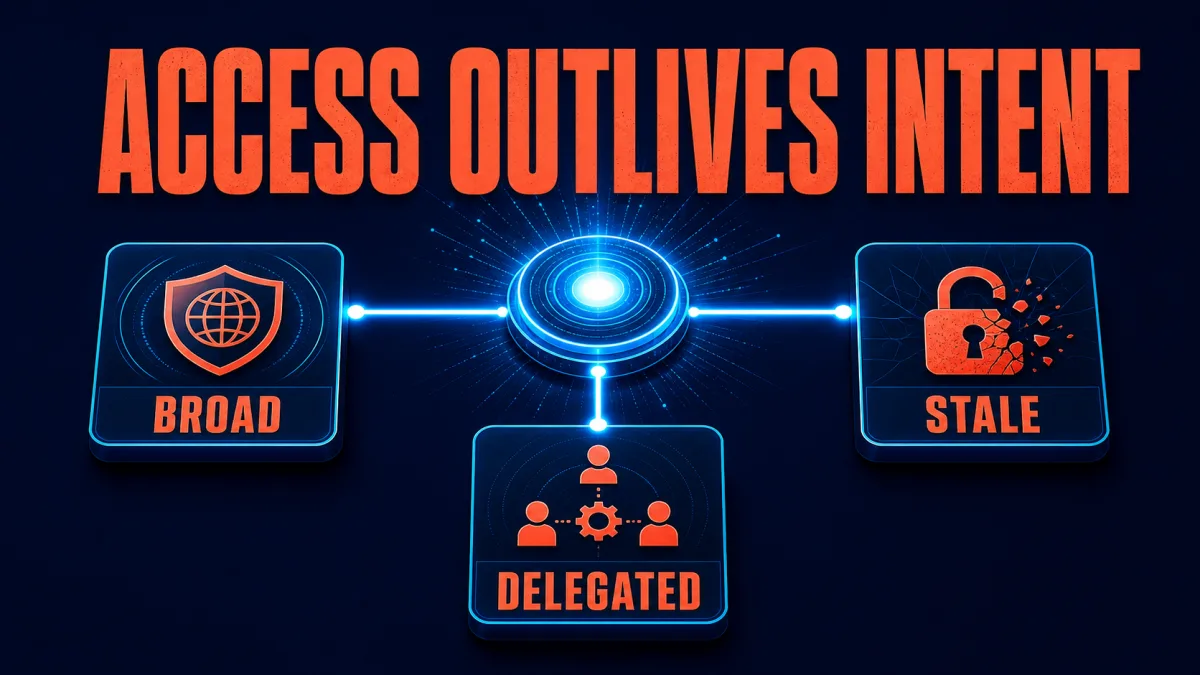
Authorization, not tool connectivity, is the weak point in MCP integrations, according to a Towards AI analysis published on July 29, 2026. The analysis argues that MCP connections can reach a CRM, billing system, or Slack workspace quickly while leaving permission scope, token expiration, and delegated access under-designed. The practical takeaway for an MCP operator is to audit the full authorization lifecycle, not just whether a tool call succeeds.
Definition: MCP authorization is the set of rules that decides which AI client or agent may use which tool, for which action, under which user-approved scope and time limit.
Example: An agent that needed billing access for a two-week project may still retain read/write access months later if the integration has no automatic expiration or revocation path.
Key takeaway: MCP makes tool connectivity more reusable, but reusable connectivity does not automatically create least-privilege access control.
Business impact: A business that treats every MCP connection as a standing credential can accumulate forgotten permissions across customer, financial, and internal communication systems.
What authorization weak point does the MCP story identify?
The MCP story identifies a lifecycle gap: many teams solve initial consent before they solve ongoing authorization. In the source's reported security review, an agent retained read/write access to a tool three weeks after it had stopped using that tool, and the source says no breach or data theft occurred. An operator should treat that finding as evidence to check expiry and revocation, not as evidence that the particular integration was exploited.
The MCP story does not prove that literally every integration has the same defect; the headline is a warning about a repeated pattern. The source describes three related failure modes—blanket consent, tokens that outlive their purpose, and delegation that is not re-validated—and the operational takeaway is to test all three separately during an MCP review.
Why can blanket consent create excess access?
Blanket consent hides action-level risk because one approval can cover very different operations. A user may see “allow this agent to access the tool” even when the underlying connection can read records, send messages, or delete files, and the source compares that pattern with the older problem of coarse mobile-app permissions. A team should separate permissions by tool and action wherever the underlying platform allows it, then present the resulting scope clearly to the approving user.
The risk is highest when a tool combines read and write operations behind one credential. A CRM integration that can search customer records and modify them has a different failure impact from a read-only reporting connection, so an MCP owner should document the exact operation set rather than recording only the tool name. The resulting permission inventory gives security reviewers something concrete to approve, revoke, and test.
How do long-lived tokens turn temporary work into standing access?
Long-lived tokens turn a temporary task into standing access because the credential can outlive the reason it was issued. The source's example describes billing access intended for a two-week project that continued working for months, and the operational response is to bind credentials to a purpose, owner, scope, and expiration instead of leaving duration implicit.
Short-lived, task-scoped credentials reduce the blast radius of forgotten access, but token lifetime alone is not a complete authorization policy. An MCP team should combine expiry with explicit revocation, refresh controls, ownership records, and a check that the token audience matches the intended resource; otherwise a refreshed credential can recreate the same lifecycle problem under a newer timestamp.
Why does delegated access need a second authorization check?
Delegated access needs a second authorization check because a downstream agent can receive more authority than the upstream task requires. The source describes a support agent delegating response drafting to another agent and warns that a shared token may expose more ticketing-system access than the drafting task needs. A multi-agent team should re-evaluate the requested action and scope at every delegation boundary rather than treating the first approval as permanent authorization for the whole chain.
Per-hop validation also clarifies accountability. If an agent calls a sub-agent, the system should be able to identify the original user, the delegating agent, the downstream operation, and the policy decision that allowed the operation. That audit trail helps distinguish an approved delegation from accidental token reuse and gives an operator a concrete place to revoke access when a chain changes.
What does the MCP authorization specification require?
The MCP authorization specification makes the security boundary explicit, but it does not eliminate implementation work. The specification says authorization is optional for MCP implementations and, for HTTP-based transports that support it, defines an OAuth-based flow in which the MCP server acts as a protected resource and the client obtains an access token for that resource. Teams should therefore verify whether their deployment actually implements the relevant authorization profile instead of assuming that MCP connectivity includes authorization by default.
The MCP authorization specification also requires resource-oriented token handling for supported HTTP authorization flows. The MCP specification says clients must use the OAuth resource parameter and servers must reject tokens not intended for the server; the practical takeaway is to validate audience, scope, issuer, expiry, and token provenance before an MCP server performs an action or calls a downstream API.
The current MCP authorization tutorial turns those requirements into an implementation checklist. The official MCP authorization tutorial recommends least-privilege scopes, secure token storage and eviction, credential-free logs, HTTPS in production, and an audience/resource that matches the configured server. An MCP operator should use that checklist as a baseline, then add task-level approval and revocation rules for the business workflow.
Which MCP controls should teams audit first?
Teams should begin with an access inventory because an MCP audit cannot evaluate permissions that nobody has listed. For each connection, record the server, tools, actions, scopes, token audience, expiry, owner, refresh behavior, downstream calls, and revocation method; the source's abandoned-integration scenario shows why “the project ended” is not the same as “the access ended.” The first deliverable should be a revocable map of current authority, not a generic security statement.
Teams should then test lifecycle events under realistic conditions. End a task, remove the employee who configured the agent, rotate a credential, delegate a tool call, and retry the same action from a different agent; each test should show whether access is denied, narrowed, or still silently accepted. The source's point about organizational entropy makes these ordinary lifecycle tests more valuable than a one-time happy-path demo.
Finally, teams should log decisions without logging credentials. An MCP audit trail should show who or what requested an action, which scope was evaluated, which resource received the request, and whether the action was approved or denied, while the authorization tutorial warns against recording tokens, codes, or Authorization headers. That separation lets security teams investigate misuse without turning observability data into another credential store.
What does the MCP story change for operators?
The MCP story changes the operating question from “does this integration work?” to “does this integration stop working at the right time and boundary?” The source explicitly says no breach occurred, so the immediate issue is not a confirmed incident but a missing control around access duration and scope. Operators should make expiry, revocation, delegation, and auditability release requirements before expanding MCP connections into sensitive systems.
MCP remains useful because a shared connection protocol can reduce bespoke integration work. The security lesson is narrower: standardizing how an agent reaches a tool does not standardize who should be allowed to use each action, for how long, or through which delegated path. Those decisions still belong in the authorization design and in the operational checks around every MCP server. More on this: Firecrawl MCP in Claude: what it costs and where it breaks.
Frequently asked questions
What weak point does the MCP analysis identify?
The analysis identifies authorization as the weak point: an MCP connection may grant broader permissions than a task needs, keep access alive after the task ends, and pass authority through an agent chain without re-checking the scope at every hop. The article presents this as a recurring implementation pattern, not proof that every MCP deployment has the same defect. Teams should inspect the actual permissions, expiration rules, delegation path, and audit trail for each integration instead of treating MCP support as a complete access-control design.
Does MCP itself make an integration insecure?
No. MCP defines a common way for AI applications to connect to external tools and data; authorization is a separate implementation responsibility. The MCP authorization specification for HTTP-based transports builds on OAuth 2.1, protected-resource metadata, and resource indicators, while authorization is optional for MCP implementations. An MCP deployment can therefore be designed with strong, narrow permissions, or implemented with broad and persistent credentials. The protocol makes interoperability easier, but the server and client still need to enforce least privilege and validate every token.
How should teams reduce MCP authorization risk?
Teams should inventory every MCP connection and record the exact tools, actions, scopes, token audience, expiration, owner, and revocation path. Use task-specific permissions instead of a blanket grant, prefer short-lived access where the platform supports it, and re-check authorization whenever an agent delegates work to another process. Teams should also log access without logging credentials, test offboarding, and review abandoned integrations. These controls address the lifecycle gaps highlighted by the analysis without requiring a team to abandon MCP.
Was a breach confirmed in the MCP story?
No. The source describes a security review that found an agent still had read/write access to a tool after the original project ended, but it explicitly says that nothing was breached and no data was stolen. The story is therefore a warning about authorization design and organizational entropy, not a report of a confirmed incident. Readers should treat the source's scenarios as examples for an access review and verify their own deployments before drawing conclusions about a particular vendor or MCP server.
Alex
Founder & Lead AI Writer
Alex is the founder of Yowox and lead AI writer since 2024, breaking down complex information into clear, actionable insights for thousands of readers every day. Alex has built AI automation systems for businesses since 2024, focusing on AI agents, workflow automation, and business process optimization.
Save hours. Save thousands.
Practical guides, real workflows, and the latest AI and automation news that matters — straight to your inbox.


