 By Alex
 Adobe brings 70+ creative tools into ChatGPT
Adobe's unified ChatGPT plugin connects more than 70 creative and productivity tools, turning a conversation into a path from idea to campaign asset, video, design or PDF.
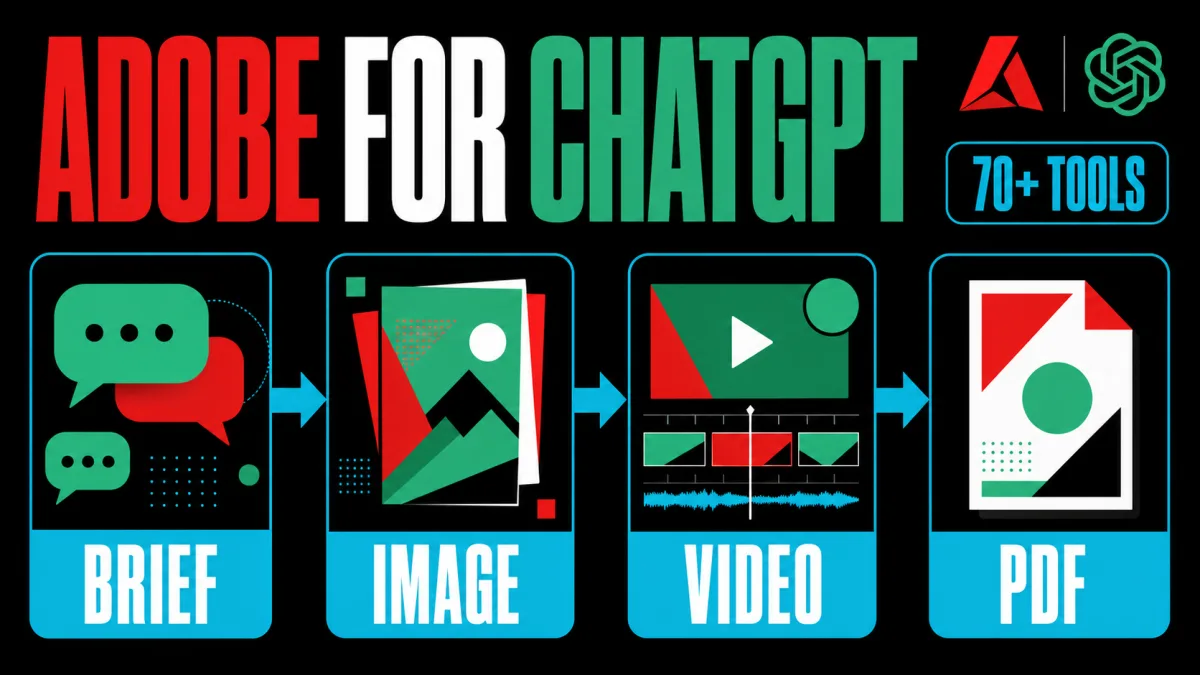
Adobe has announced a unified ChatGPT plugin that connects more than 70 creative and productivity tools, including capabilities from Photoshop, Express, Firefly, Premiere, Acrobat, Lightroom, Illustrator, InDesign and Stock. AI Magazine reports that the plugin brings Adobe's tools into ChatGPT, while Adobe says the experience is available globally and can move users from a natural-language request to images, videos, designs or documents without leaving the conversation. For marketing teams, the immediate takeaway is to test the plugin on bounded production steps while keeping professional finishing work in the native Adobe applications.
Definition: Adobe's ChatGPT plugin is one conversational entry point for more than 70 Adobe creative and productivity tools, according to Adobe's announcement.
Example: A marketer can provide campaign photos or a long video and ask Adobe to apply a consistent style, create a highlight reel or resize the result for social channels.
Key takeaway: The plugin consolidates previously separate Adobe connections in ChatGPT, but Adobe still positions its native apps as the place for deep control and precision.
Business impact: Teams can evaluate conversational production for repeatable asset work, but they should define approval points for brand consistency, factual accuracy and final creative quality.
What changed in Adobe for ChatGPT?
Adobe for ChatGPT replaces a collection of separate Adobe connections with one plugin that selects tools behind the scenes. The change applies to users who want to describe an outcome instead of choosing Photoshop, Firefly, Acrobat or another application before they begin. Adobe says the unified plugin works across ChatGPT, ChatGPT Work and Codex and combines tools that were previously available through separate ChatGPT integrations with additional capabilities from Adobe's broader suite. The practical takeaway is to treat the plugin as a routing layer for creative work, not as a new Adobe application that removes the underlying tools.
The Adobe plugin also changes where a creative workflow starts. Adobe says users can activate the plugin, describe the work they want and receive an interactive experience inside the conversation; the official Adobe integration page describes the same flow as creating, editing and refining images, videos, designs and documents in one connected workflow. A business should start with one repeatable request, such as resizing approved campaign assets, and measure whether fewer handoffs actually improve turnaround without weakening review.
Which Adobe workflows does the plugin support?
Adobe's ChatGPT plugin supports campaign, video, design and document workflows that begin with existing business inputs. Adobe lists batch-style creative work such as applying a consistent look to campaign photos, saving finished assets to Creative Cloud and turning a strong image into a product or packaging mockup; it also describes converting long-form video into short clips for platforms such as YouTube Shorts and Instagram Reels. Those examples are useful because they define the plugin's value as coordinated transformation across several assets, so teams should test consistency across a real asset set rather than judge it from one attractive result.
Adobe's ChatGPT plugin can also connect data and templates to customer-ready documents. Adobe says users can browse templates, adjust copy and colour, animate a design for social media, convert it to a PDF, or transform a spreadsheet or dataset into formatted documents such as event badges, catalogs and infographics. The operational takeaway is to separate source-data validation from layout generation: the plugin can help package approved information, but a human should still verify the numbers, claims, brand language and export before distribution.
Why is Adobe placing its tools inside ChatGPT?
Adobe is putting its tools inside ChatGPT because the chatbot is becoming an entry point for work, not only a place to ask questions. Adobe says it wants its pro-grade creative and productivity tools available wherever people work, while The Next Web's coverage describes the strategic tension more directly: Adobe can remain part of a workflow even when the user starts in a rival chatbot. For business operators, the signal is to watch where the first request is made and whether the integration keeps Adobe involved when users do not open a native app first.
The Adobe plugin is therefore an access and retention strategy as much as a convenience feature. Adobe says it is also expanding access across other AI platforms, while the ChatGPT plugin keeps Adobe capabilities available at the moment a user turns an idea into a deliverable. That matters to marketing teams because the first tool chosen can shape templates, asset storage and review habits; the practical test is whether the plugin creates a useful on-ramp to Creative Cloud rather than a one-off export that no team can maintain.
What remains outside ChatGPT for Adobe users?
Adobe's native applications remain important when a project needs advanced editing, creative control or pixel-level precision. Adobe says users can continue work in its apps after starting in ChatGPT, and the source reporting quotes Adobe's product leadership drawing a line between conversational access and deeper native workflows. A team should use the plugin for ideation, batch transformations and first-pass packaging, then move high-stakes assets into the appropriate Adobe application for layers, masks, detailed retouching, timing and final sign-off.
The Adobe plugin does not remove the need for governance around files, prompts and approvals. Adobe says guest use is available, while signing in unlocks generative capabilities, Creative Cloud files and saved work across sessions; those account differences affect which business materials a user can access and retain. Companies should therefore begin with non-sensitive or approved assets, define who may connect Creative Cloud content, and keep an auditable human review before a generated image, video or document reaches a customer. That boundary mirrors the distinction between AI agents and chatbots: a useful action-taking system still needs tools, permissions and verification.
What should teams test first with Adobe for ChatGPT?
Marketing teams should test Adobe's ChatGPT plugin on a narrow, repeatable workflow with a measurable handoff. A sensible pilot is to start with approved photos, a known brand style and a fixed set of outputs such as social crops, a short video cut or a formatted PDF, because Adobe's own examples cover those transformations. The test should compare preparation time, rework, brand corrections and approval latency against the existing process; a faster first draft is useful only if the final review burden does not rise.
Adobe's plugin makes conversational access a layer above specialised software. Adobe combines more than 70 tools inside ChatGPT, while its native applications still provide the precision that production work often needs. For operators, the takeaway is to treat the plugin as a governed front door to a broader Adobe workflow, not as a reason to remove human review or native application sign-off. For a broader view of how AI platforms are absorbing creative workflows, see Meta's Muse image-generation launch.
Frequently asked questions
What is Adobe's new ChatGPT plugin?
Adobe's new ChatGPT plugin is a unified connection to more than 70 tools from Adobe's creative and productivity suites. Adobe says the plugin can bring together capabilities from Photoshop, Express, Firefly, Premiere, Acrobat, Lightroom, Illustrator, InDesign, Stock and other products inside a ChatGPT conversation. Users describe the result they want, and the plugin selects the relevant Adobe capabilities behind the scenes. The practical change is not a new standalone editor; it is a single conversational entry point for creating and editing images, videos, designs and documents.
What can the Adobe plugin create in ChatGPT?
The Adobe plugin in ChatGPT supports several campaign and content workflows described by Adobe. Users can apply a consistent style to a group of campaign photos, turn a long video into short-form social clips, adapt a template into a design and PDF, or transform a spreadsheet or dataset into a formatted document. Adobe says users can start as guests, while signing in unlocks additional generative capabilities, Creative Cloud files and saved work across sessions. The exact result still depends on the files, instructions and account access available to the user.
Does the Adobe plugin replace Photoshop and other Adobe apps?
No. Adobe presents the ChatGPT plugin as a connected starting point and says its native apps remain the place for deeper editing, advanced creative control and pixel-level precision. A user might batch-edit product photos or produce a first campaign concept in ChatGPT, then continue in Photoshop or another Adobe app to refine layers, masks and individual details. The plugin reduces switching for common creation tasks, but the announcement does not claim that conversational workflows eliminate the need for professional desktop applications.
How do users access Adobe tools in ChatGPT?
Adobe says users can open ChatGPT's Plugins area, search for Adobe and install the plugin. In a new chat, users can invoke it with @Adobe or select Adobe from the plus menu. Adobe says the plugin is available globally on ChatGPT web and app, and its announcement also describes support across ChatGPT Work and Codex. Users can begin as guests, while an Adobe account adds access to more capabilities, Creative Cloud files and continuity across sessions.
Alex
Founder & Lead AI Writer
Alex is the founder of Yowox and lead AI writer since 2024, breaking down complex information into clear, actionable insights for thousands of readers every day. Alex has built AI automation systems for businesses since 2024, focusing on AI agents, workflow automation, and business process optimization.
Save hours. Save thousands.
Practical guides, real workflows, and the latest AI and automation news that matters — straight to your inbox.


