 By Alex
 Geekbench 7 Rebuilds the Benchmark Around Modern Workloads
Primate Labs has released Geekbench 7 with redesigned multi-core testing, new media and GPU workloads, larger datasets, and a warning that its scores cannot be compared directly with Geekbench 6.
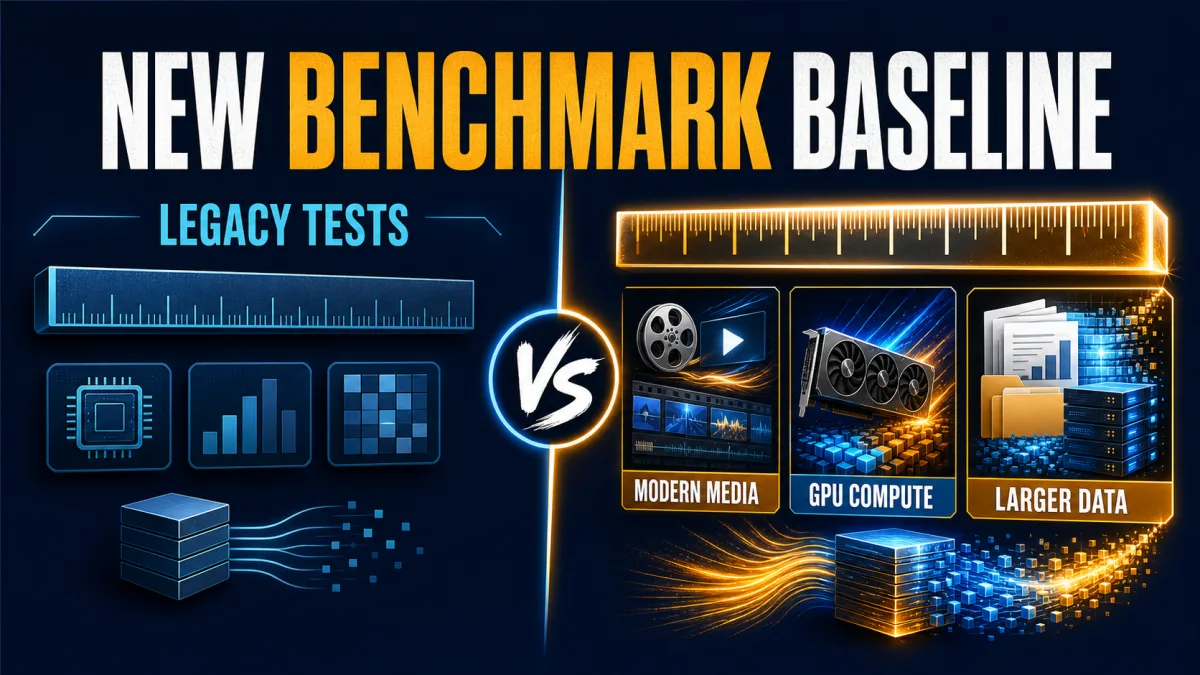
Geekbench 7 is a new measurement baseline, not just a faster version of Geekbench 6. Primate Labs’ cross-platform benchmark now models more of the work people actually ask phones and computers to do: video calls, screen sharing, live captions, machine-learning image processing, modern file formats and larger documents.
Definition: Geekbench 7 is Primate Labs’ latest CPU and GPU benchmark for Android, iOS, Windows, macOS and Linux.
What changed: It adds new media workloads, redesigns multi-core testing, refreshes GPU tests and increases dataset complexity.
Key takeaway: Geekbench 7 results should be compared with other Geekbench 7 results—not with scores from Geekbench 6.
Why it matters: A benchmark is useful only when its workloads resemble the software and files a device is expected to handle.
Why Geekbench needed a new baseline
Synthetic benchmarks are controlled instruments. That is their strength: the same test can run on many devices. It is also their limitation. A score reflects the benchmark’s choice of code, data and weighting, not every application a person might use.
Geekbench 7 responds to that limitation by changing what it measures. The official Geekbench 7 release announcement says the update is built around new and improved workloads for current CPU and GPU use cases. The Verge’s launch report describes the practical result: it still looks familiar to users, but the work running underneath is heavier and broader.
That makes the version boundary important. A Geekbench 6 score and a Geekbench 7 score are not two readings on one unchanged ruler. They are readings from different rulers.
The multi-core score stops pretending every task uses every core
The largest methodological change is the redesigned multi-core benchmark. Geekbench 7 runs a workload in multi-threaded mode only when the real application it models behaves that way. The HTML5 Browser workload, for example, is not included in the multi-core suite because ordinary browsers are single-threaded or only lightly threaded for that kind of work.
This is a useful correction to a common shortcut: treating a higher core count as an automatic explanation for every multi-core result. A processor can have many cores and still spend much of a normal day handling tasks that do not scale across all of them.
The new approach does not make Geekbench a complete replacement for application testing. It makes the benchmark’s multi-core claim narrower and more defensible. The result is intended to describe a mixed set of modeled workloads, not to promise that every program will accelerate in the same way.
Media tests now look like the work around a video call
Geekbench 7 adds CPU media workloads for tasks that have become ordinary in modern devices:
| Workload | What it models | Technologies named by Primate Labs |
|---|---|---|
| Video encoding | Screen sharing during a video call | AV1 and the AOM library |
| Audio encoding | Compressing music and spoken audio for storage or streaming | Opus |
| Video decoding | Watching video while generating automatic captions | AV1, Opus and Whisper |
The Geekbench 7 CPU workload documentation provides the technical detail behind these tests. The video decoder combines video and audio decoding, audio resampling and speech recognition; it is not simply a standalone test of a speech model.
That distinction matters when interpreting results. A high score on this workload suggests that a system handled the complete modeled pipeline efficiently. It does not, by itself, prove that every video-conferencing application or captioning model will perform identically.
Geekbench 7 also adds a Game Physics workload based on the Jolt Physics engine, expands photo-editing operations and updates the Photo Library workload for formats including JPEG XL and DNG.
GPU testing moves toward AI and content creation
The GPU benchmark shifts its emphasis toward machine learning and creative workloads rather than treating graphics compute as one undifferentiated category. New tests model face tracking and real-time video effects, machine-learning image upscaling, and background blurring in video-conferencing streams.
Other additions cover RAW image processing, LUT-based video colour grading, path tracing and fluid simulation. These are closer to the tools used in content creation and visual production than a single generic rendering score would be.
Geekbench 7 also adds CUDA to the GPU Benchmark’s supported APIs alongside OpenCL, Vulkan and Metal. For NVIDIA hardware, that provides a way to measure the GPU through the API used by many of its demanding compute workloads. It does not mean CUDA results should be placed in the same comparison column as Metal or Vulkan without stating the API: the software path is part of the result.
Larger datasets make short tests more demanding
The update is not only about adding named workloads. Existing tests also process more varied data. File Compression now covers archives containing source code, object code and text documents. PDF Viewer includes a broader mix of documents, from maps to technical and academic material. Developer and image-processing workloads receive more assets and image formats.
This should make the benchmark harder to pass through narrow optimizations that happen to fit a small, familiar input. It also makes the result more relevant to devices that are asked to work with larger projects, richer media libraries and more complex documents.
Geekbench still runs in minutes, so it remains a burst-oriented test rather than a complete sustained-load assessment. A short benchmark can tell you how quickly a device completes a controlled job; it cannot fully describe throttling over a long export, compile or render.
What the new scores mean for buyers and reviewers
The first rule is simple: compare within the same Geekbench generation. Do not turn a Geekbench 7 score into a direct percentage gain or loss against a Geekbench 6 result. The workload mix, datasets and calibration changed.
The CPU documentation sets a Geekbench 7 baseline score of 2,500 using a Lenovo Legion with an AMD Ryzen 7 7700 processor. That gives the new version a reference point, but it is still a benchmark convention—not a universal statement that every application on that system is exactly twice as fast at 5,000 points.
A good review should therefore show the version, platform, API where relevant, power mode and device configuration. It should pair the synthetic result with the workloads readers care about: an export, compile, game, browser session, local AI task or long encode. This is the same measurement discipline used in a broader AI scorecard for useful work: the number becomes more useful when the test is connected to a defined outcome and its limitations are visible.
For buyers, Geekbench 7 is best treated as one signal among several. It can help establish a repeatable baseline across supported devices, but it cannot decide whether a particular phone, laptop or desktop is right for a workload it never models.
The bottom line
Geekbench 7 updates the benchmark for a computing world shaped by video calls, live captions, machine-learning image tools, modern file formats and mixed-thread software. Its redesigned multi-core test is the most important conceptual change because it refuses to treat every task as fully parallel. The new media and GPU workloads make the test suite more representative of current software, while larger datasets raise the difficulty.
The trade-off is that the old leaderboard is no longer a clean continuation. Geekbench 7 creates a new baseline. Use it to compare current devices under a clearer set of modern workloads, but keep the version, API and workload context next to every score.
Frequently asked questions
What is new in Geekbench 7?
Geekbench 7 adds media workloads for AV1 video, Opus audio and video decoding with Whisper captions. It also redesigns multi-core testing, refreshes the GPU benchmark for machine learning and content creation, adds CUDA support, and uses larger datasets.
Can Geekbench 7 scores be compared with Geekbench 6 scores?
No. Geekbench 7 uses different workloads, datasets and scoring calibration, so a Geekbench 7 result should be compared with other Geekbench 7 results. A score from Geekbench 6 is not a direct performance baseline for the new version.
Is Geekbench 7 free?
Geekbench 7 is free for personal use on Android, iOS, Windows, macOS and Linux. Primate Labs also sells Geekbench 7 Pro, which adds features such as offline benchmarking; the launch promotion offers a temporary discount.
What does the new multi-core test measure?
Geekbench 7 only runs a workload in multi-threaded mode when the real application it represents is meaningfully multi-threaded. The goal is to make the multi-core result a closer model of mixed real-world software, rather than forcing every task to use every available core.
Alex
Founder & Lead AI Writer
Alex is the founder of Yowox and lead AI writer since 2024, breaking down complex information into clear, actionable insights for thousands of readers every day. Alex has built AI automation systems for businesses since 2024, focusing on AI agents, workflow automation, and business process optimization.
Save hours. Save thousands.
Practical guides, real workflows, and the latest AI and automation news that matters — straight to your inbox.


